


How To Charge Lithium Ion Battery
author: JM ENERGY
2025-11-04
A Homeowner's Guide to Charging Your Lithium-Ion Battery System
Meta Description
Get the most from your 25.6V150Ah-3.84KWh home battery system with practical charging tips and real stories from American families who use it daily.
Getting to Know Your Home Battery System
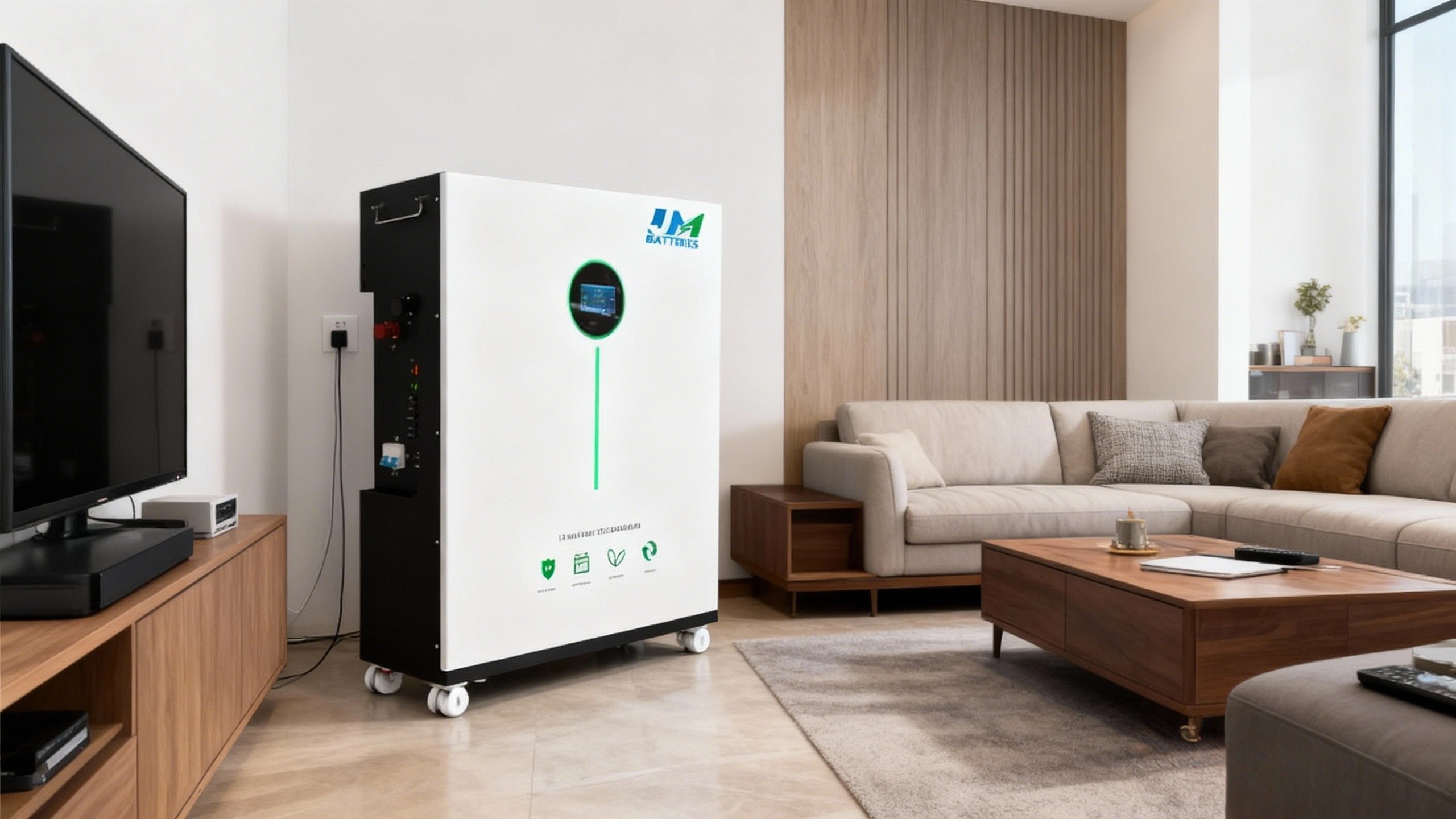
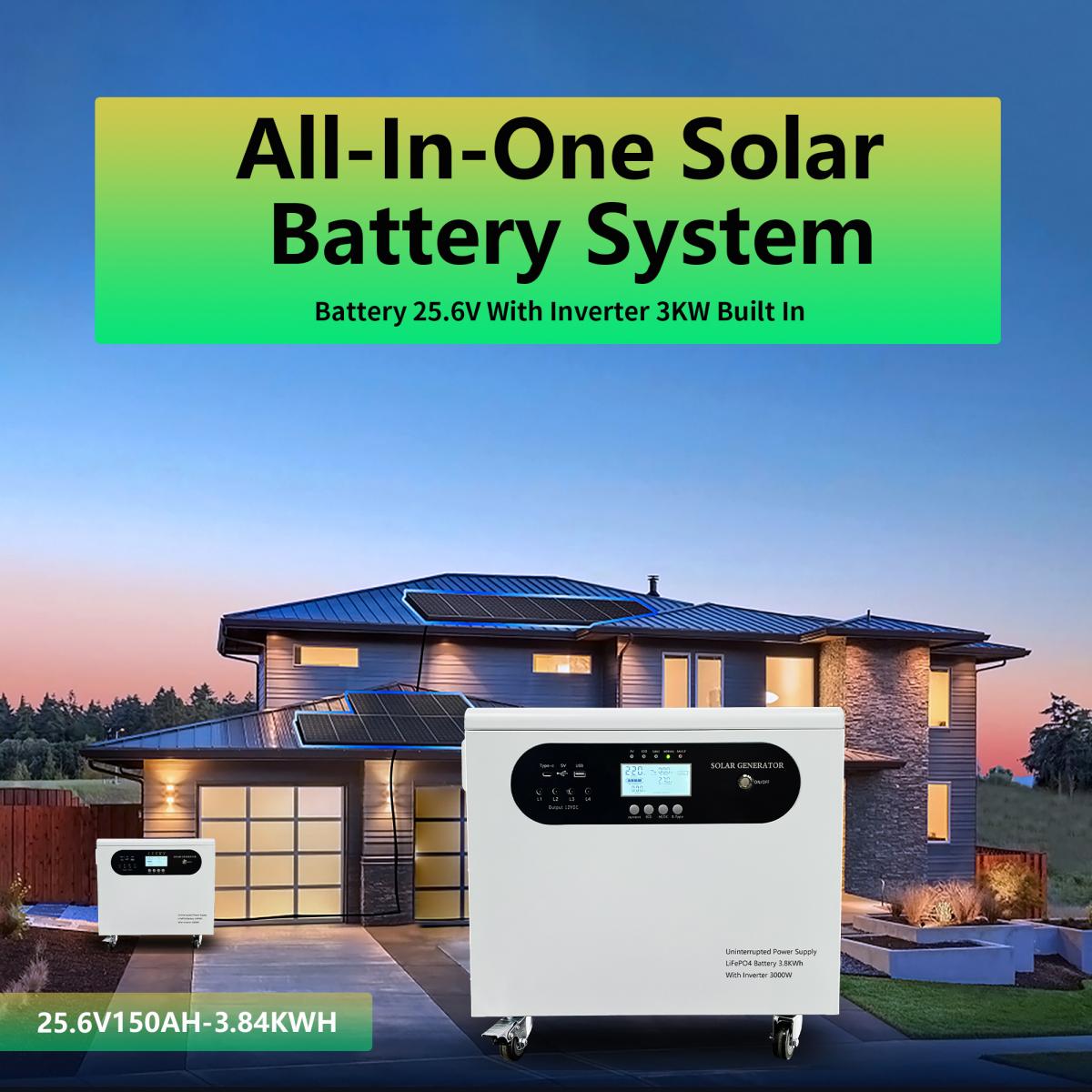
After ten years of building reliable power solutions in Dongguan, China, we've learned what makes a great home battery system. Our 25.6V150Ah-3.84KWh model brings together everything you need in one clean package: a mounted battery, storage unit, and solar inverter that work seamlessly together. For more details on our full range of products and engineering expertise, visit our official site at https://www.jmenergytech.com/.
But here's what many homeowners don't realize: how you charge your battery makes all the difference in its performance and lifespan. Let's walk through some straightforward steps that will keep your system running smoothly for years to come.
Getting the Basics Right
Think of your lithium-ion battery like a good employee - it works best when it's not constantly pushed to its limits. Keeping it between 20% and 80% charge most of the time is the sweet spot for long-term health.
The good news? Our system's built-in Battery Management System (BMS) acts like a personal assistant for your battery. It handles the technical stuff - monitoring temperatures, preventing overcharging, and keeping all the cells working together properly. This level of engineering is part of what makes our products stand out; you can learn more about our BMS technology and other innovations on https://www.jmenergytech.com/.
Charging Your System: A Simple 6-Step Process
1. Set Up Your Space
Find a cool, dry spot away from direct sunlight. Your garage or basement usually works perfectly. Make sure there's some airflow around the equipment and that all cables are snug and secure. For specific installation guidelines tailored to our 25.6V150Ah-3.84KWh system, check the resources section on https://www.jmenergytech.com/.
2. Connect Your Solar Panels
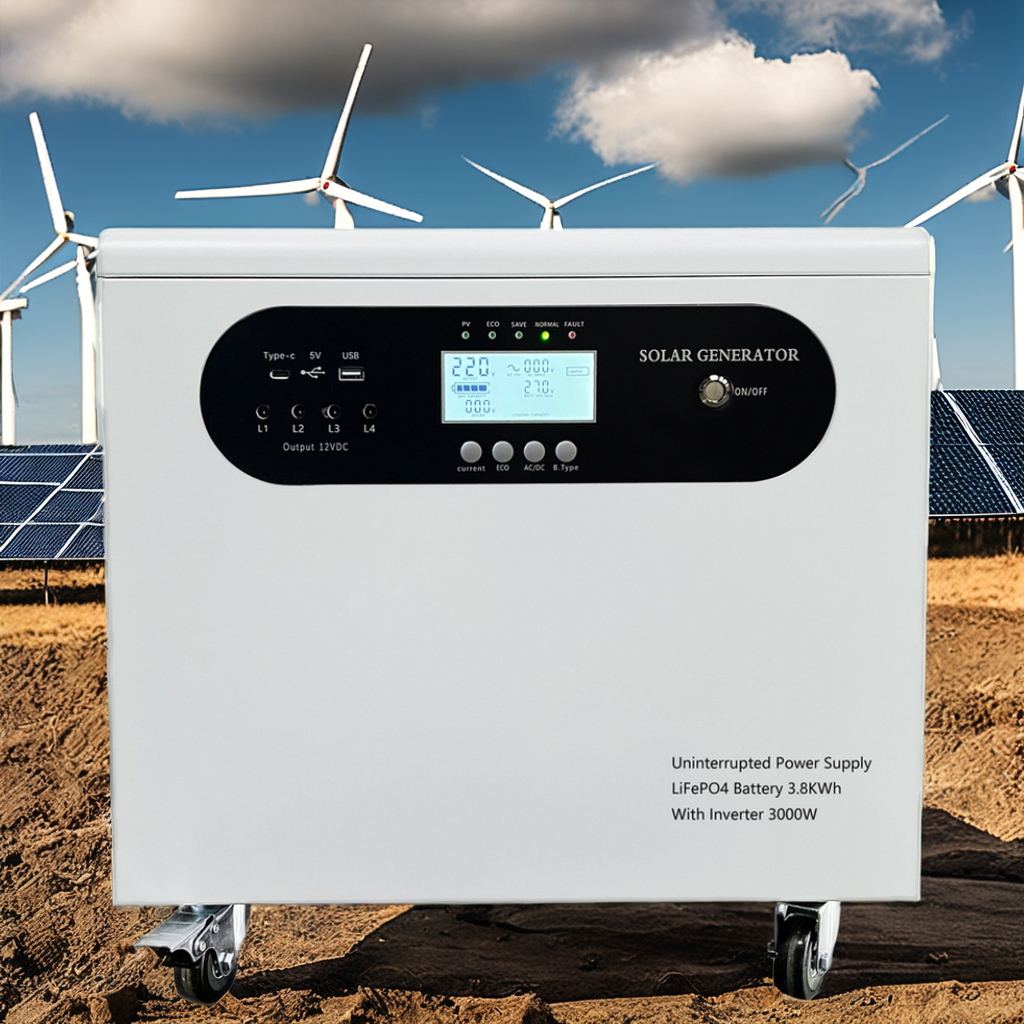
Hook up your solar panels to the inverter's PV input. This is where you'll start harnessing free energy from the sun. Take an extra minute to ensure all connections are tight - it's worth the effort. Our All-In-One Solar Inverter, designed to pair seamlessly with this battery system, includes clear labeling to make this step even easier; you can view product diagrams for reference on https://www.jmenergytech.com/.
3. Power Up
Flip the inverter's switch to ON. You'll see the display light up with real-time information about your battery's status. Glance at it to confirm everything looks normal. If you have questions about interpreting the display readings, our support team (reachable via https://www.jmenergytech.com/) is happy to help.
4. Let the System Do Its Job
Your inverter comes pre-programmed with the ideal charging settings (29.2V charging voltage, 20V discharge voltage) for our 25.6V150Ah-3.84KWh battery. There's no need to adjust anything - it's designed to handle the charging process automatically. This pre-calibrated setup is a result of our decade of experience in battery engineering, details of which are shared on https://www.jmenergytech.com/.
5. Keep an Occasional Eye on Things
Check the display every now and then during charging. If you notice anything unusual (like error messages or sudden temperature spikes), simply turn the system off and give us a call. Our technical support team, available through contact links on https://www.jmenergytech.com/, can troubleshoot issues quickly.
6. Unplug When Full
When the display shows 100%, your battery is ready to go. Feel free to disconnect it from charging - your system is now set to power your home. Remember, leaving it plugged in after full charge isn't necessary, thanks to the BMS's overcharge protection. For more best practices on battery maintenance, visit the blog section on https://www.jmenergytech.com/.
5 Easy Habits for Longer Battery Life
- Avoid running it down completely: Try to recharge before it drops below 20%. This preserves cell health and extends overall lifespan.
- Charge it occasionally: Even if you're not using it regularly, a quick charge every few months keeps the battery active and prevents capacity loss.
- Watch the temperature: Keep it out of hot spaces (over 104°F/40°C) and direct sunlight - heat is one of the biggest contributors to battery degradation.
- Trust the technology: The built-in safety systems (overcharge, overheat, short-circuit protection) are there to protect your investment. Don't bypass or disable them.
- Do quick visual checks: Every few months, look for any visible damage, loose wires, or dust buildup on the battery and inverter. Wiping down vents and connections ensures proper airflow.
How Real Families Use Their Systems
The Smiths in California: Peace of Mind During Blackouts
"Living in wildfire country means we lose power several times each year," explains Mark Smith. "We use solar panels to keep our JM Energy 25.6V150Ah-3.84KWh battery charged between 30% and 80% during normal days. When the power goes out, we know we'll have electricity for our fridge, AC, and lights - no more throwing out food or sitting in the dark. Following the charging guidelines from their website (https://www.jmenergytech.com/) has kept our system performing perfectly through multiple outages."
The Johnsons in Texas: Cutting Their Power Bills
"Our electricity bills were through the roof, especially during summer," says Sarah Johnson. "Now we charge our JM Energy battery with solar during the day and only use grid power in the evening when solar output drops. We typically charge to 80% and avoid leaving it plugged in constantly, like the tips on their site suggested. The result? Our bills are down 40%, and the system has been trouble-free for six months straight. We even recommended it to our neighbors after seeing how well it works."
Wrapping Up
Your home battery system is designed to make life easier and more sustainable - whether you're avoiding blackouts, cutting utility costs, or reducing your carbon footprint. By following these simple charging practices, you're not just powering your home - you're protecting your investment and getting the most out of every kilowatt-hour.
We stand behind our products with a 10-year warranty and real, responsive customer support. If you have questions about setup, charging, or maintenance, or want to explore how our other energy solutions can work for you, visit https://www.jmenergytech.com/ or reach out to our team. Here's to reliable power that works as hard as you do.
What Is A Blade Battery
How Many Watts To Power A Home
Related Article
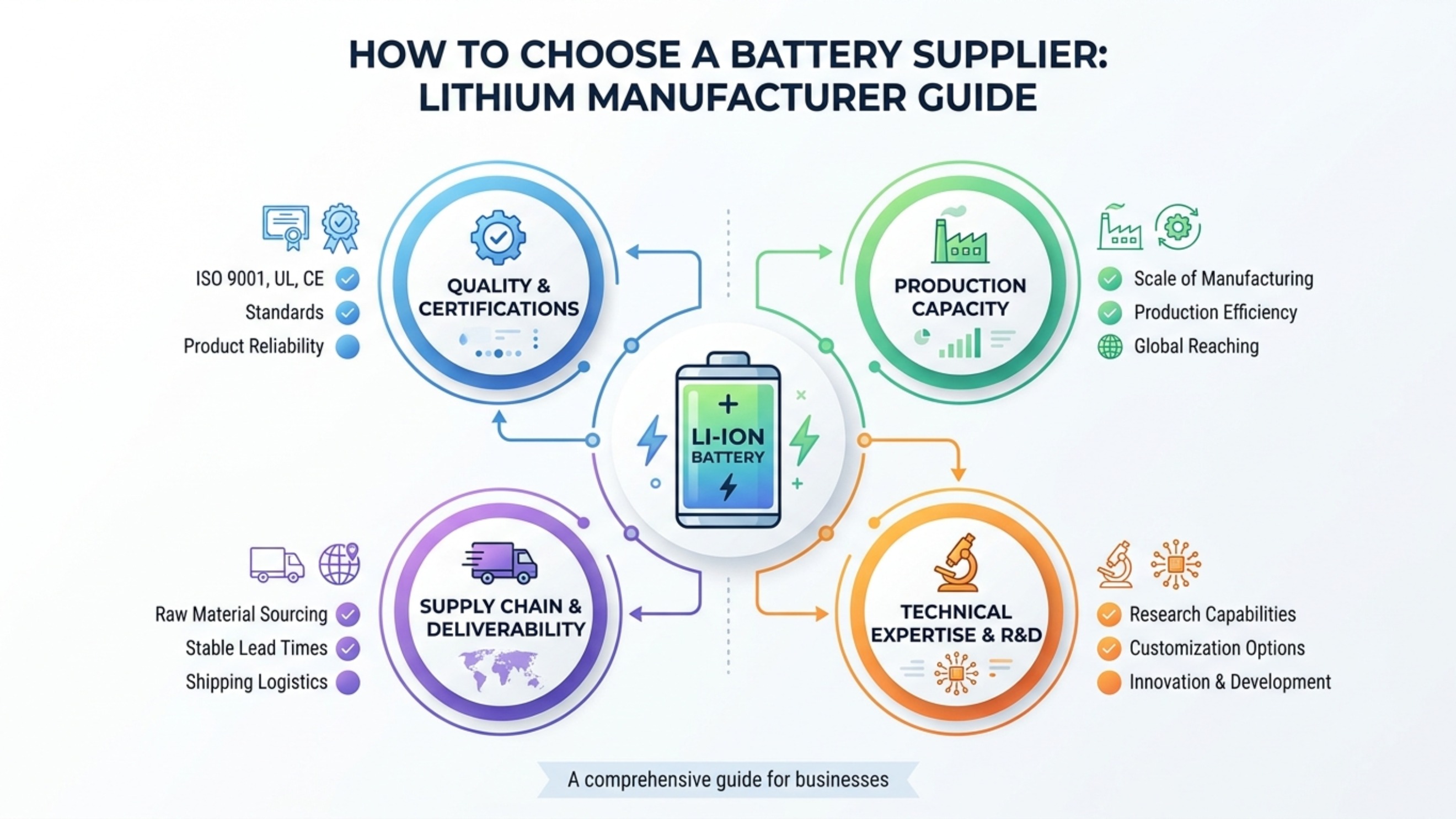
Learn how to choose a lithium battery supplier, evaluate a lithium battery manufacturer, and select a reliable LiFePO4 battery supplier for B2B projects.
How to Choose a Battery Supplier

Learn how to connect rechargeable batteries in series for home energy storage. This guide explains series wiring, safety tips, and real U.S. home battery stories using JM’s 51.2V300Ah lithium battery park.
How Do You Connect Batteries In Series