


How To Recharge A Lithium Ion Battery
How to Recharge Ionic Lithium Batteries: A Simple Guide for Homeowners (JM Energy's 51.2V200Ah-10KWH Model)
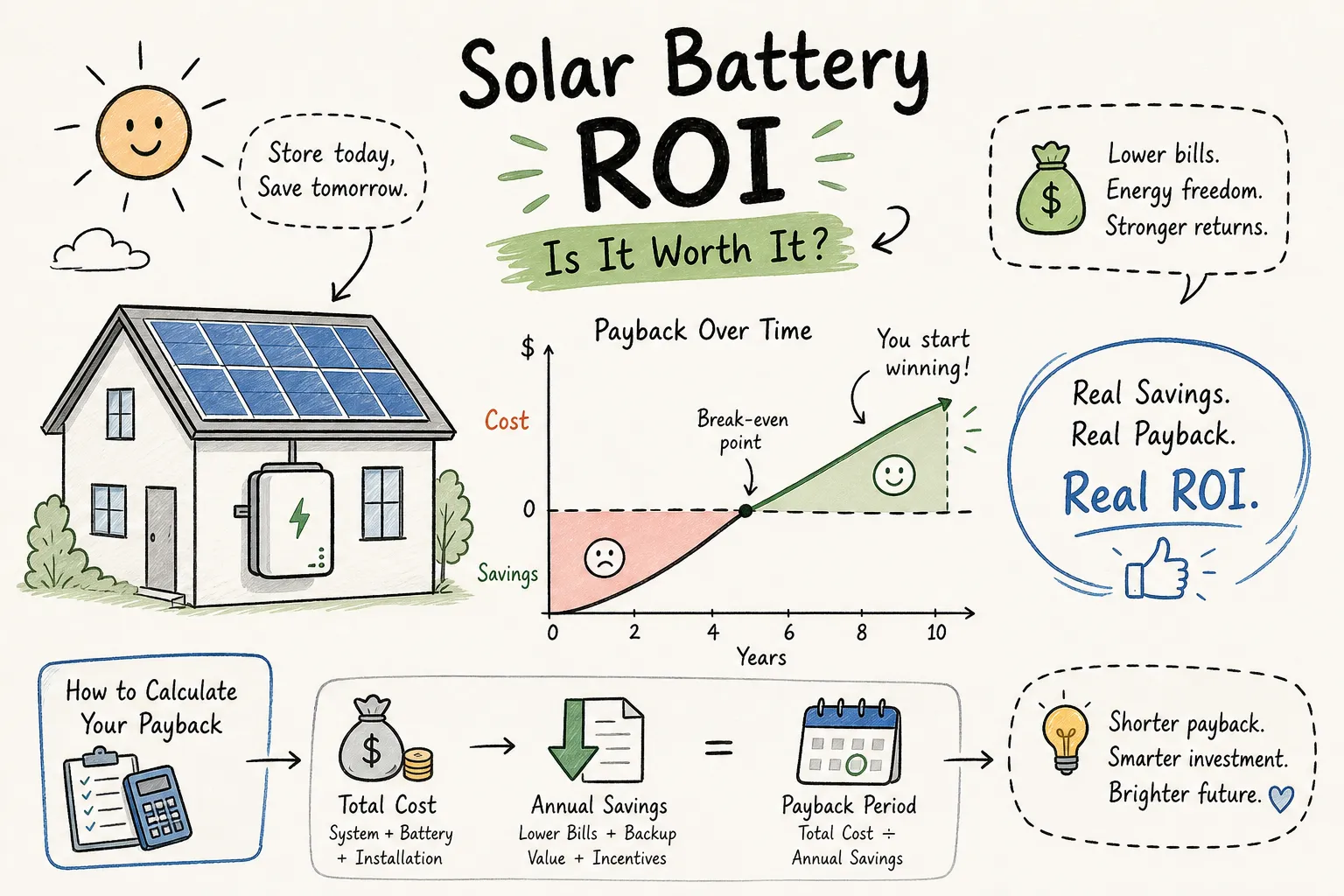
Solar-powered homes need reliable storage—and ionic lithium batteries are top picks (energy-dense, long-lasting, compact). JM Energy's 51.2V200Ah-10KWH wall-mounted ionic lithium battery stands out: it works great, and recharging is simple. Below's how to do it right.
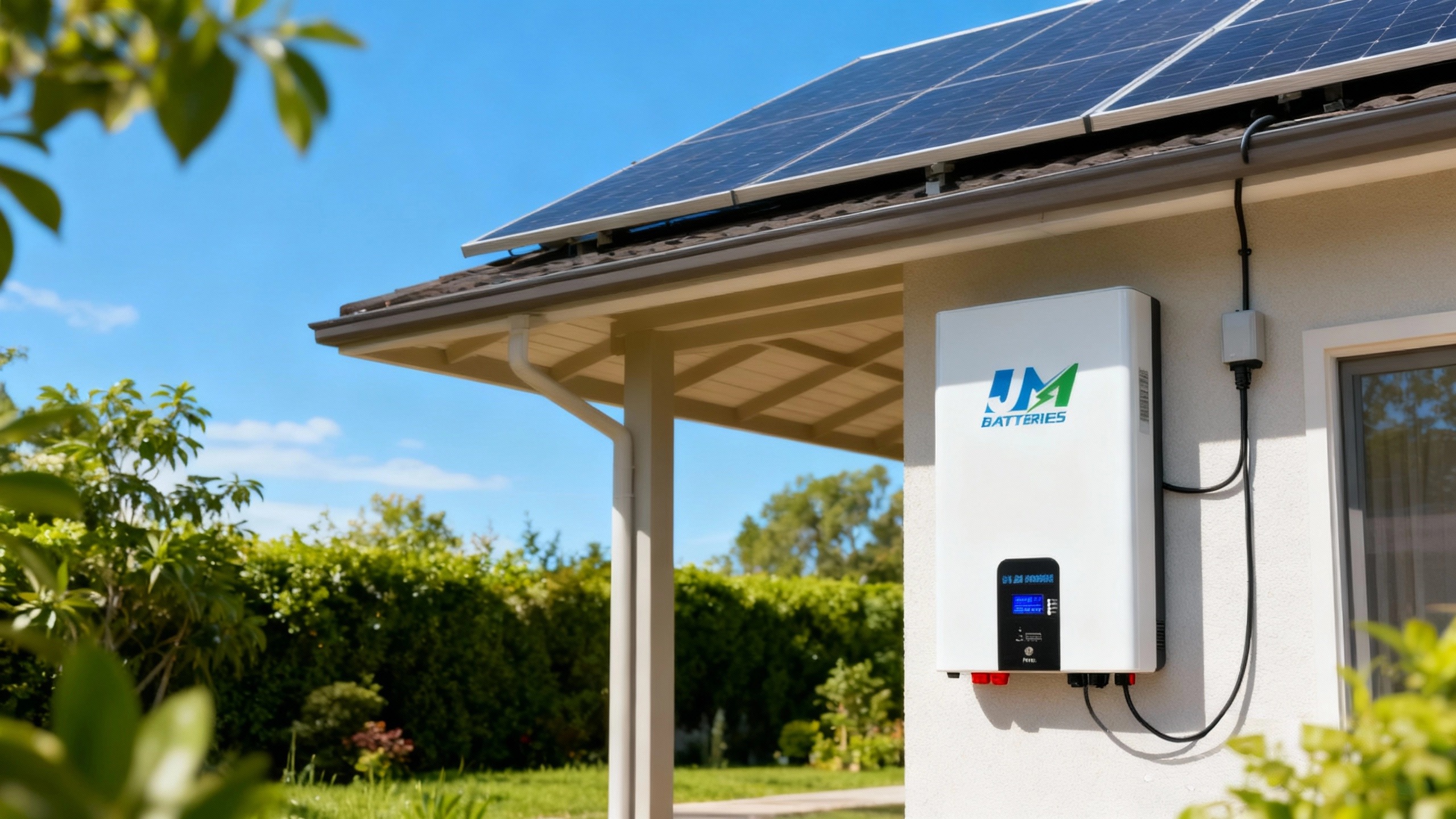
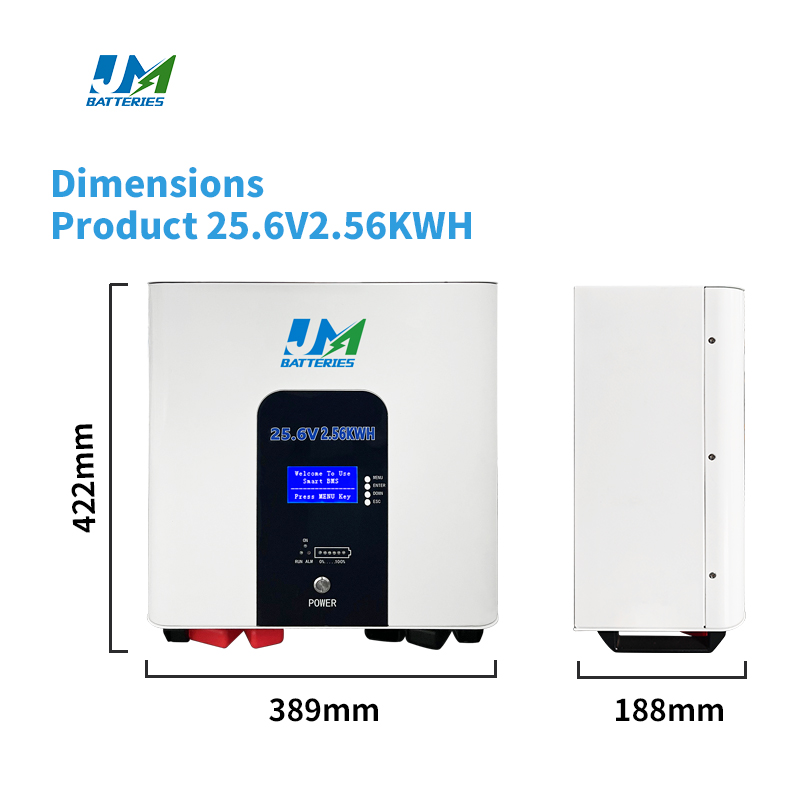
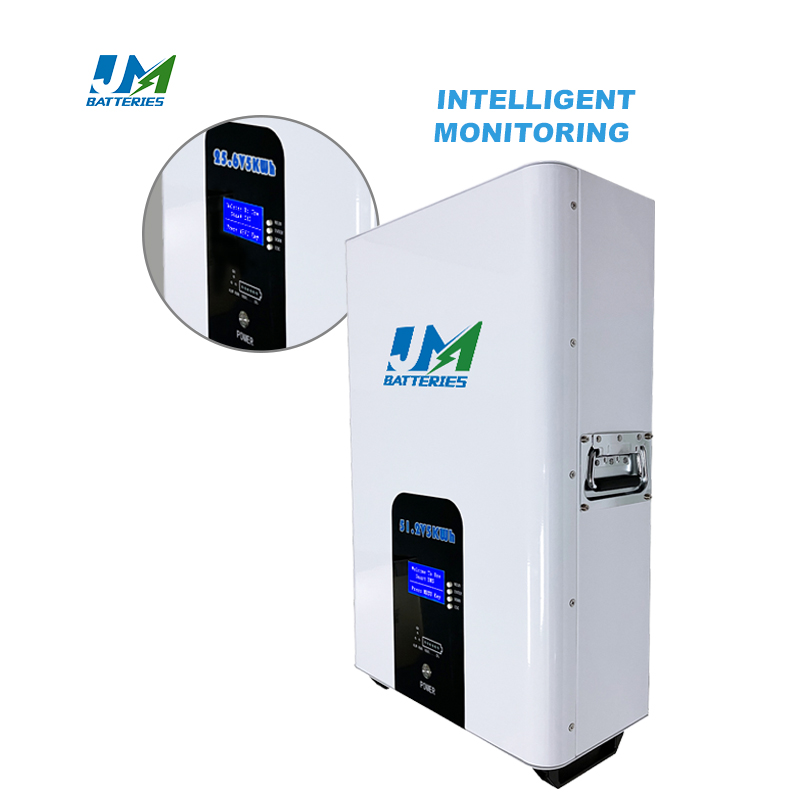
About JM's 51.2V200Ah-10KWH Wall-Mounted Ionic Lithium Battery
Made by JM Energy (10 years of lithium/sodium-ion experience in Dongguan, China), this battery solves space issues—it hangs on walls, no floor clutter. Key specs:
- 200Ah capacity (10.24KWH energy) for most households
- Grade A cells, 8,000+ cycle life (10-year warranty)
- Smart monitoring (Bluetooth/WiFi: check charge, temp via phone)
- ISO/UN38.3/ROHS/CE/CB certified (safe, quality)
5 Simple Steps to Recharge Ionic Lithium Batteries
1. Prep First
- Temperature: Charge between 32°F (0°C) and 113°F (45°C)—skip hot garages or frozen sheds (damages battery).
- Check the battery: Wipe dusty charging ports with a dry cloth (no water!). If case has cracks/dents, call JM support—don't charge.
- Right charger: Use JM's charger (58.4V max voltage, 40A standard current) or a matching third-party one (wrong chargers risk overheating).
2. Connect Safely
- Turn off the battery's main switch (stops sparks).
- Plug charger's output into the battery port (push firmly—don't force).
- Plug charger into a working outlet (no frayed wires!). Avoid unrated extension cords (fire risk).
3. Start Charging
- Turn battery switch back on, then the charger. It auto-detects battery status.
- Monitor via app: Check charge level, current, temp in real time.
- Two stages: First, 40A constant current (voltage rises). When hit 58.4V, switches to constant voltage (current drops). Stop when current hits 2-5A.
4. Finish Charging
- Don't overcharge! Unplug when charger signals full (green light/app alert): Turn charger off → unplug from battery → unplug from wall.
- Post-charge check: Slight warmth is normal—if over 122°F (50°C), call JM support.
5. Store Smart (If Not Using)
- Keep in 50°F (10°C) to 86°F (30°C), dry spot.
- Store at 40-60% charge (full/dead storage ruins cells).
- Check via app weekly for drops or errors.
Real Stories: American Families Using JM's Battery
Case 1: The Smiths (Orange County, CA)
3-bedroom home with solar—before JM's battery, extra daytime solar energy was wasted, and night use relied on costly grid. Now:
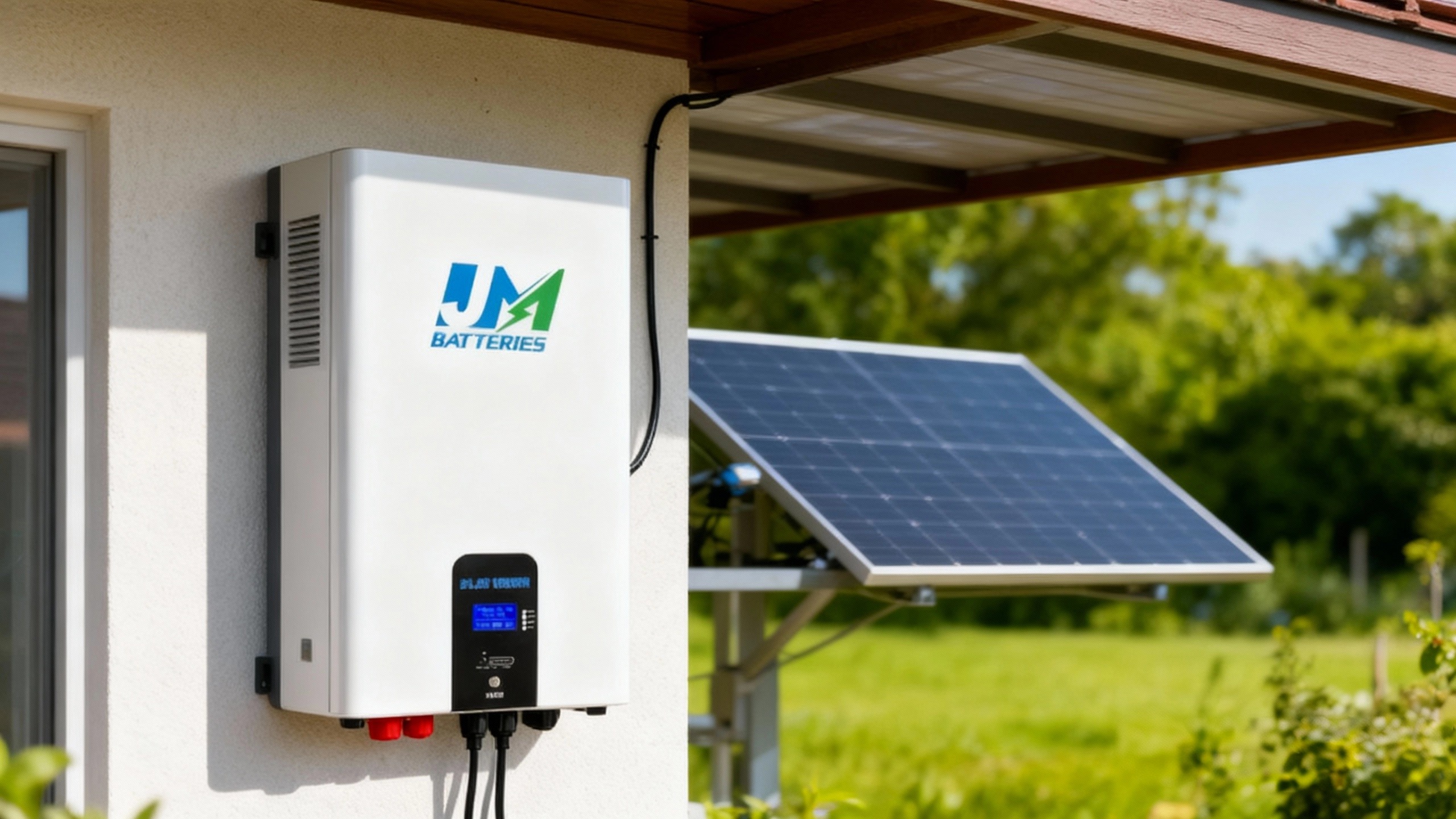
- Charge battery with solar by day, use stored energy at night.
- Cut grid use by 70%; battery kept AC on 6 hours during a heatwave outage.
- "Wall-mounted design fits our tiny garage—app makes checking charge easy," says Mrs. Smith.
Case 2: The Johnsons (Austin, TX)
Family restaurant with solar—needed backup for ovens/freezers (Texas storms cause outages). JM's battery was perfect (no floor space for big units):
- Manager Maria charges it via solar each morning (full by 9 AM opening).
- During an 8-hour storm outage, battery kept freezers/lights on—restaurant stayed open.
- "Easy to charge, saved us from food loss," says Mr. Johnson.

4 Mistakes to Avoid
- Overcharging: Unplug when full (damages battery, risks overheating).
- Wrong charger: Stick to 58.4V/40A specs (too strong/weak hurts performance).
- Extreme temps: Don't charge in 120°F garages or 20°F sheds.
- Ignoring damage: Cracked cases/bent ports = no charging (risk of short circuits).
Wrapping Up
Recharging ionic lithium batteries right keeps them working long. JM's 51.2V200Ah-10KWH wall-mounted model is great for homes/businesses (solar or backup). Follow these steps, and it'll serve you well.
JM Energy (Dongguan, China) makes high-quality ionic lithium/sodium-ion batteries, ships globally, and offers OEM/ODM. Have questions? Reach out anytime!

How To Test Batteries At Home
How Long Do Batteries Last
Related Article