


How To Wire Batteries In Series
How to Wire Lithium Batteries in Series: A Simple Guide for Home Energy Storage with JM's 48V LiFePO4 Battery
Introduction
With rising energy costs and more power outages, home energy storage is a must. Lithium batteries (especially LiFePO4) are top choices for homeowners—they last long, are safe, and hold lots of energy. Wiring them in series boosts capacity, and JM's new 51.2V300Ah15KWH stackable 48V LiFePO4 battery is a great pick.
JM Energy (Dongguan, China) has made lithium/sodium ion batteries for 10 years. Our 48V LiFePO4 battery works as a lifepo4 solar battery or backup power source. Below, we'll show you how to wire lithium batteries in series, explain our stackable design's benefits, and share two U.S. family stories.
What to Know Before Wiring
Series wiring connects one battery's positive terminal to the next's negative—this raises voltage (capacity stays the same). For example, two 51.2V300Ah JM batteries in series give 102.4V/300Ah, perfect for big appliances or solar inverters.
Tools & Safety:
- Tools: Insulated wire cutters, crimping tools, heat-shrink tubing, multimeter, insulated gloves.
- Safety Tips:
- Use the same battery model/brand (JM's 48V LiFePO4 is best).
- Disconnect solar/grid power first.
- Wear insulated gloves and safety glasses.
- Use high-quality insulated wires.
Step-by-Step Wiring Guide for JM's 48V LiFePO4 Batteries
JM's 51.2V300Ah battery is stackable, making wiring easy:
Step 1: Prep Workspace & Batteries
Choose a dry, ventilated area. Set batteries on a flat surface (space for wires). Use a multimeter to check voltage—fully charged JM batteries read ~51.2V.
Step 2: Find Terminals
Each battery has clear +/– marks. Double-check—mixing them damages gear. Use the touch screen to confirm battery status.
Step 3: Connect in Series
Grab 4 AWG insulated wire. Cut to length (connect first battery's + to second's –). Strip ½ inch of insulation from both ends. Crimp terminal connectors, attach to terminals, and tighten screws (loose connections overheat). For more than two batteries: repeat (second + to third –, etc.).
Step 4: Test Connection
Use a multimeter to check total voltage: 2 batteries = ~102.4V, 3 = 153.6V, 4 = 204.8V. If low, check for loose wires. Verify the BMS (battery touch screen) works—it protects against overcharging/short circuits.
Step 5: Secure Batteries & Wires
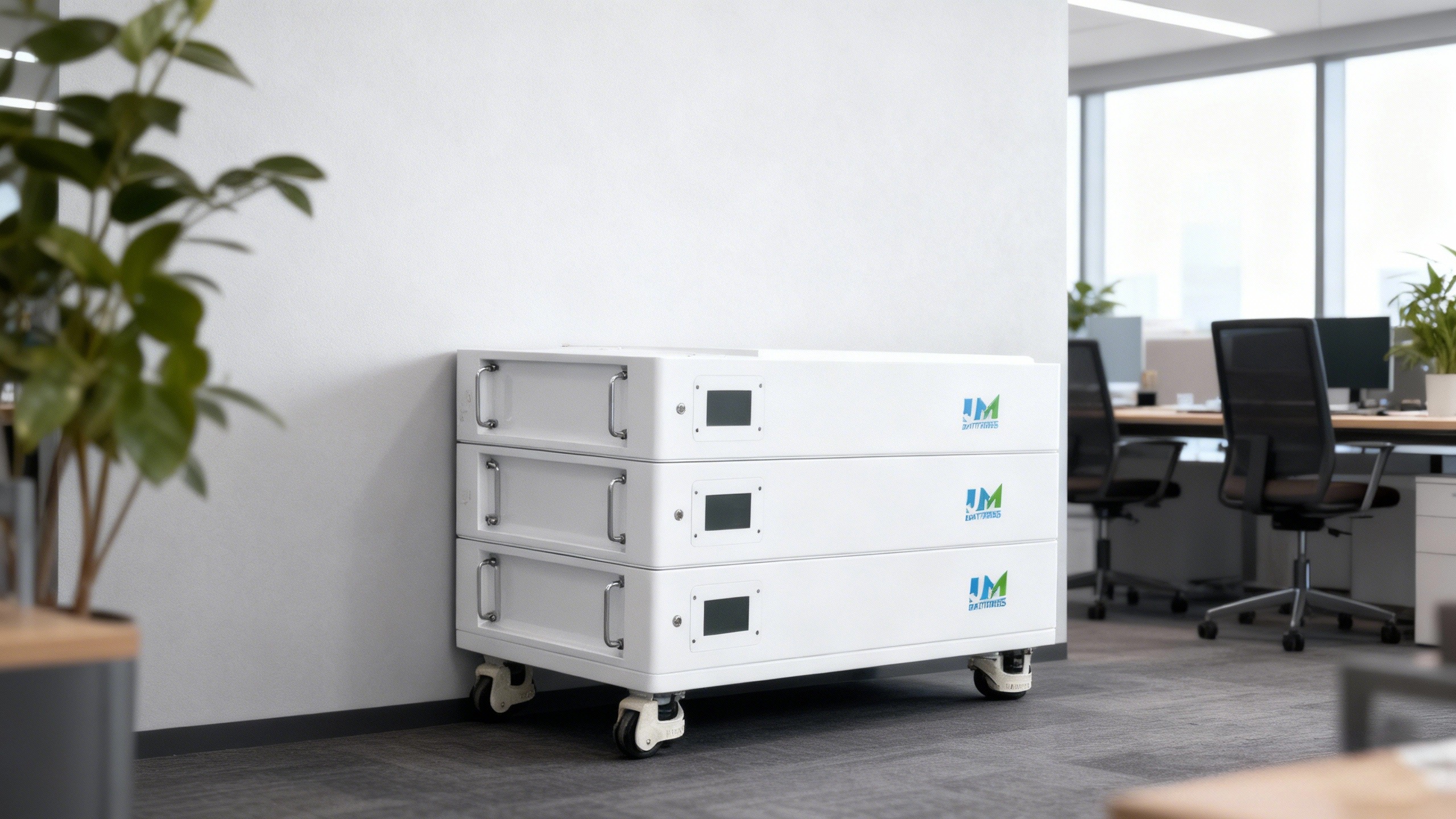
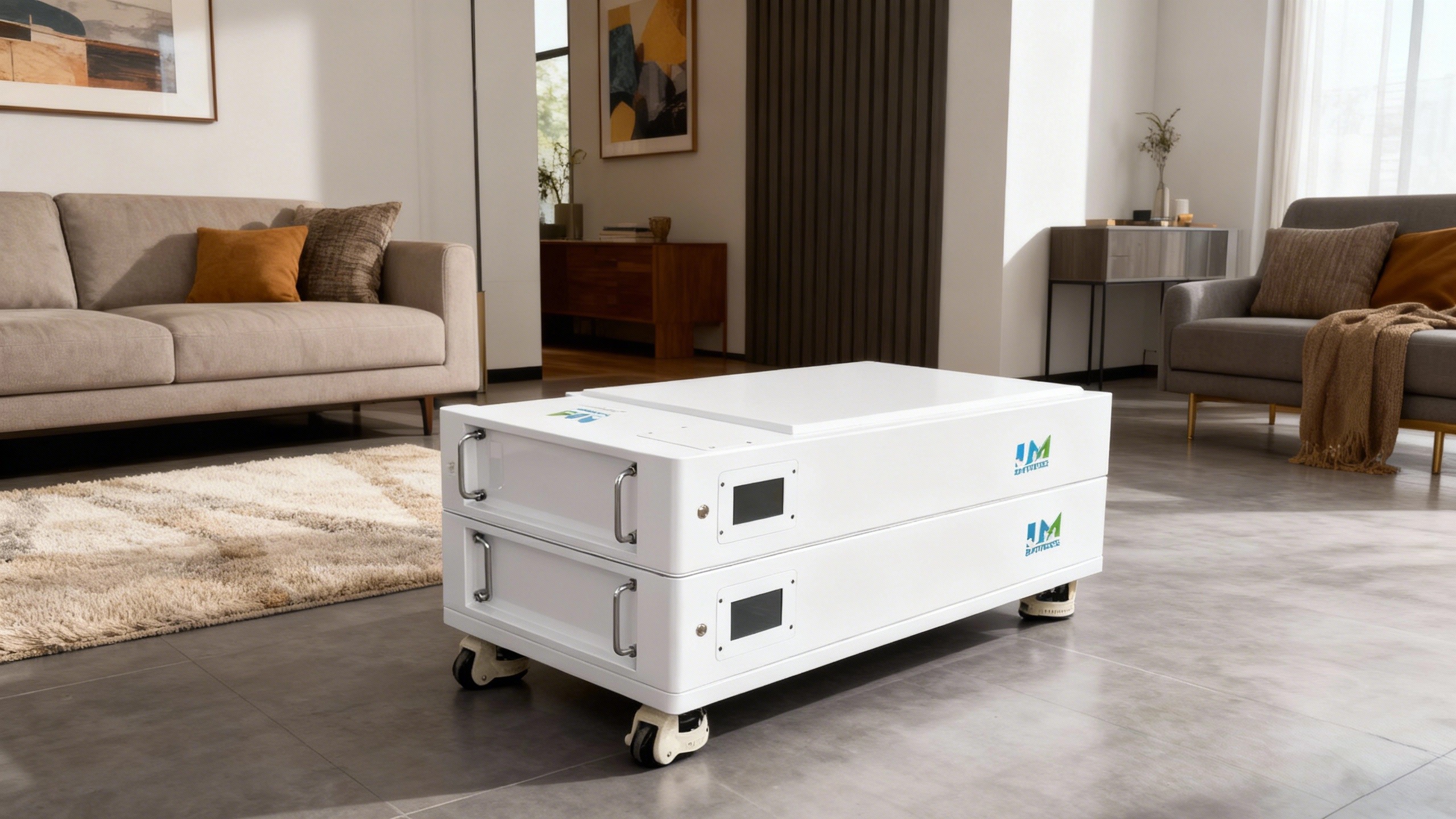
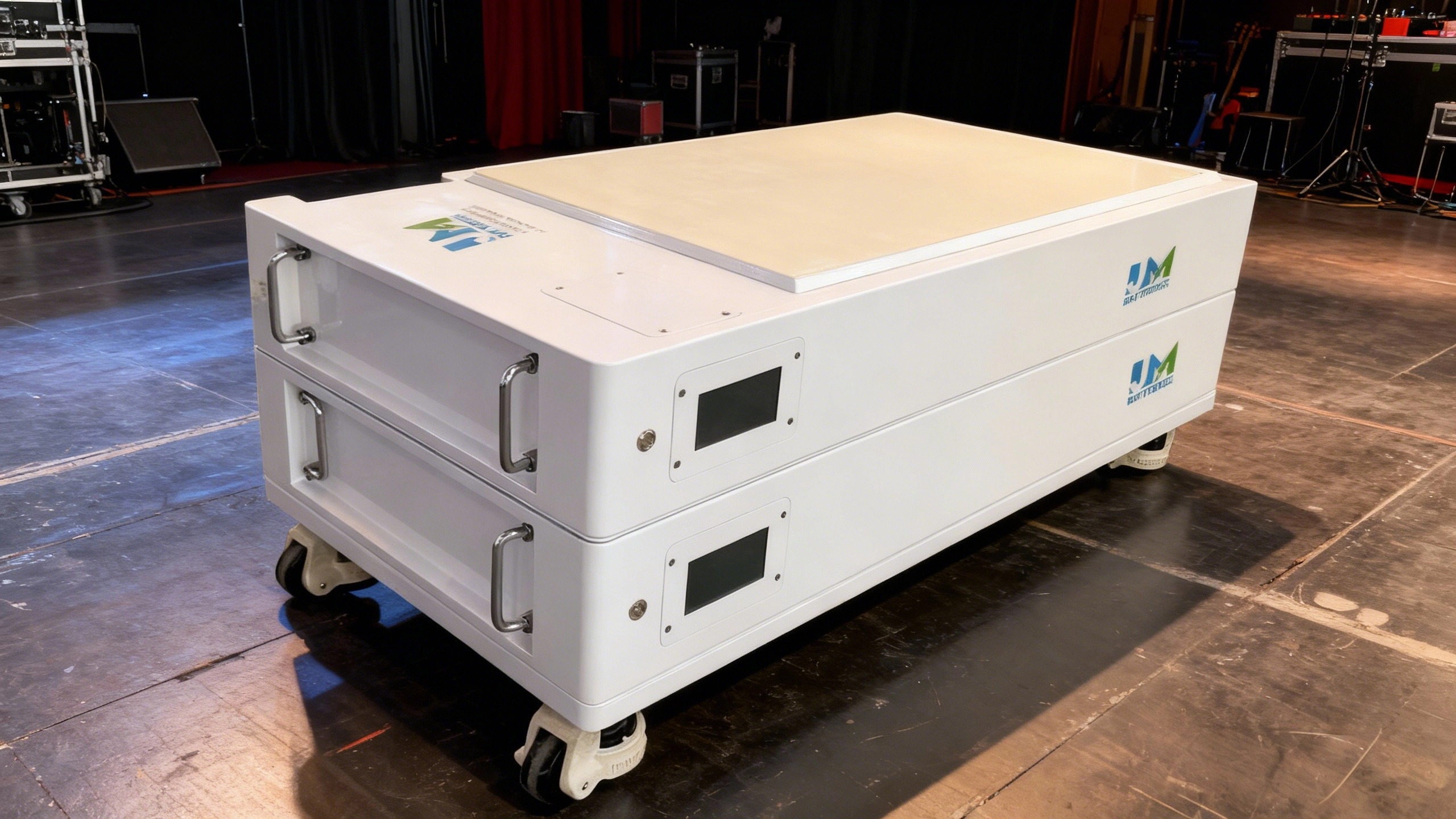
JM batteries mount on walls or stack (up to 4 layers, each L1130W640H270mm). Use included hardware to secure them. Organize wires with cable ties; cover exposed ends with heat-shrink tubing. Reconnect solar/grid power, test with a lamp.
Why JM's Battery Is Great for Series Wiring
- A-Grade Cells: Consistent voltage/capacity (no uneven degradation).
- Long Life: 6000 charge cycles = ~15 years of use.
- Built-In BMS: Balances charge, prevents overcharging.
- Stackable/Wall-Mountable: Saves space, expands easily.
- Certifications: CE, MSDS, UN38.3, ISO9001—safe for U.S. homes.
U.S. Household Stories
Case 1: Smith Family (California)
The Smiths (2,000 sq. ft. home) used solar but had wildfire outages and high bills. They installed two JM batteries (102.4V/300Ah):
"Before JM, we lost power for days. Now we run fridge/HVAC/lights, and bills dropped 60%. We'll add two more for our EV next year."
Case 2: Rodriguez Family (Texas)
The Rodriguezes wanted backup power for winter storms. They installed three JM batteries (153.6V/300Ah) with 10kW solar:
"During the 2021 storm, we had heat/hot water—neighbors didn't. We save $1,200/year on bills. Installation was easy, and the touch screen is simple to use."
Conclusion
Wiring lithium batteries in series boosts storage, and JM's 48V LiFePO4 battery (51.2V300Ah - 15KWH) is perfect. With 10 years of experience, JM makes safe, durable batteries. Follow our guide to wire confidently—save money, rely less on the grid, and stay powered.
Ready to upgrade? Contact JM Energy for technical help. Our 10-year warranty has you covered. Choose JM's LiFePO4 battery for reliable home energy storage.


How To Dispose Of Lithium Batteries
How Do You Know Your Battery Is Dead
Related Article