


What Is The Proper Procedure For Cleaning Battery Terminals
What’s the Right Way to Clean Battery Terminals? A Guide for Lithium Iron Phosphate Battery Owners
Article Summary
Lithium ion batteries—from lithium iron phosphate batteries to home battery banks and domestic batteries—need regular care to stay efficient and safe. One key (but often overlooked) task is cleaning battery terminals, where dirt and corrosion build up over time. This buildup can slow performance, cut battery life, or even create safety risks. In this simplified guide, we break down the step-by-step process for cleaning terminals—perfect for users of our new 51.2V100Ah 5kWh domestic battery. We also share two quick stories from American families who fixed their battery banks with simple terminal cleaning. As a Dongguan, China-based lithium and sodium ion battery factory with 10 years of experience, we’re here to help you get the most out of your home energy storage.

Introduction
Lithium ion batteries have changed home energy storage for the better, and lithium iron phosphate (LiFePO4) batteries are the top pick for homes—thanks to their safety, long life, and reliability. Our team in Dongguan has spent a decade perfecting lithium and sodium ion technology, and our new 51.2V100Ah 5kWh domestic battery is built for home solar use. It’s wall-mounted (saves space), works with top inverters (like DEYE, Growatt, and SMA), and lasts over 8000 cycles.
But even the best lithium iron phosphate batteries struggle if terminals are dirty. Corrosion, dust, or oil blocks electricity flow, making charging slower and shortening battery life. Worse, it can cause overheating. That’s why learning to clean terminals the right way is a must for any domestic battery or battery bank owner.
The Proper Procedure for Cleaning Battery Terminals: Step-by-Step
Step 1: Prioritize Safety
- Turn off your inverter and disconnect devices.
- Disconnect the negative terminal first (“-”), then the positive (“+”).
- Wear gloves and safety glasses.
- Work in a well-ventilated area and keep sparks away.
Step 2: Inspect Terminals
- Corrosion (white, green, or blue powder).
- Dirt, dust, or pet hair.
- Damage such as cracks or discoloration.
Step 3: Make a Gentle Cleaner
- 2 tbsp baking soda + 1 cup warm water.
- Undiluted white vinegar for tough buildup.
Step 4: Clean Gently
Use a soft toothbrush or cotton swab. Scrub lightly and wipe residue away with a damp cloth.
Step 5: Dry Thoroughly
Dry terminals completely and let them air-dry for at least 10 minutes.
Step 6: Reconnect Securely
Reconnect the positive terminal first, then the negative. Tighten gently and test the system.
Step 7: Stick to a Schedule
Clean every 6 months, or more often in humid climates like Florida or Texas.
Real Stories: U.S. Families Fix Their Batteries
Case 1: The Smiths (San Diego, CA)
In 2022, the Smiths installed our 51.2V100Ah 5kWh domestic battery bank for solar storage. By month 8, the battery wasn’t holding a charge well. After cleaning white corrosion caused by coastal humidity, charging improved and solar usage increased by 15%.
Case 2: The Johnsons (Austin, TX)
During a Texas outage, the Johnsons noticed a warm, discolored terminal. After cleaning dust and debris, overheating stopped immediately and reliability returned.
Why Terminal Cleaning Matters
- Better Performance: Faster charging and stable output.
- Longer Life: Prevents premature terminal failure.
- Safer: Reduces overheating and short-circuit risks.
About Our Factory & 51.2V100Ah 5kWh Domestic Battery
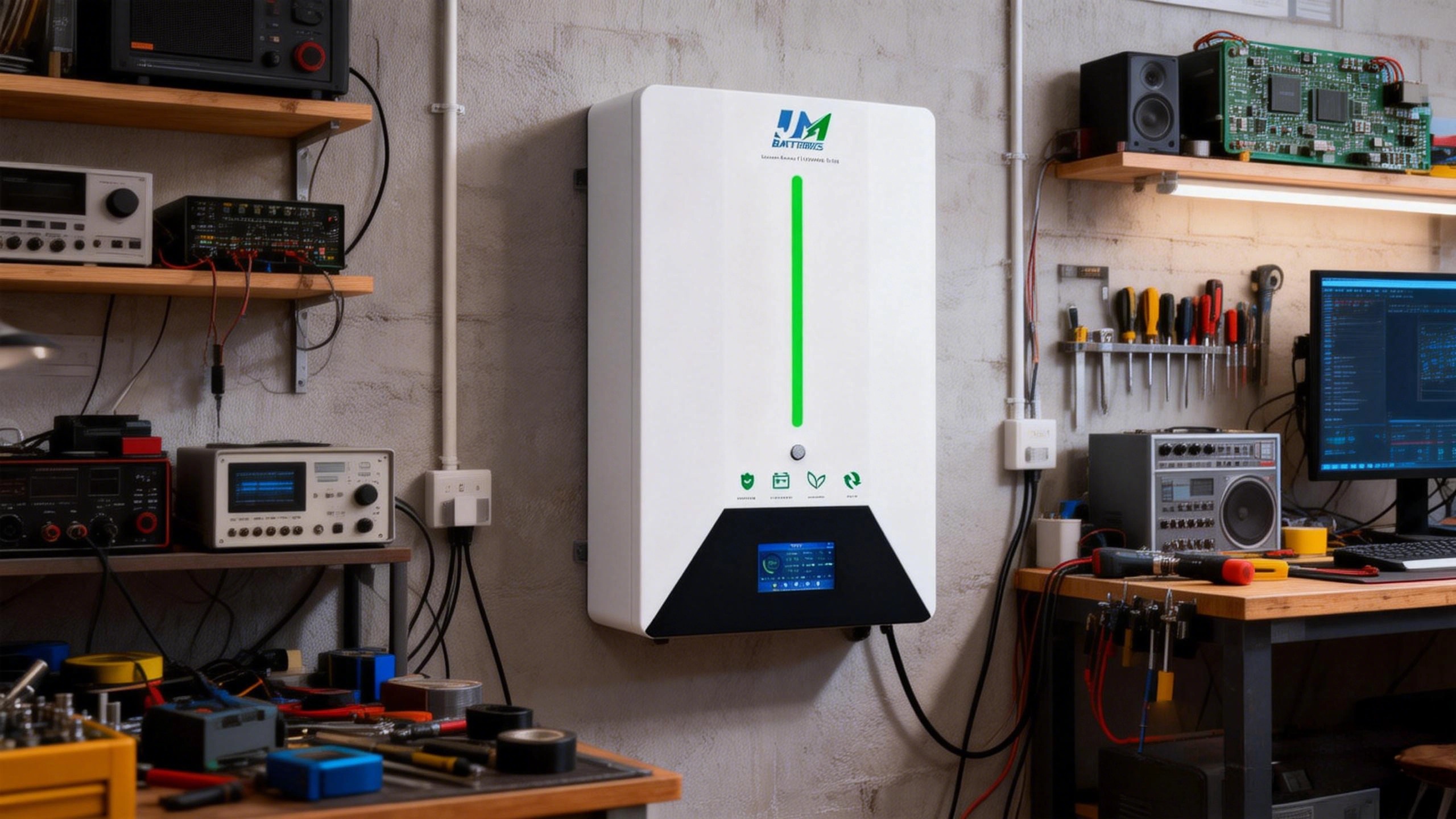
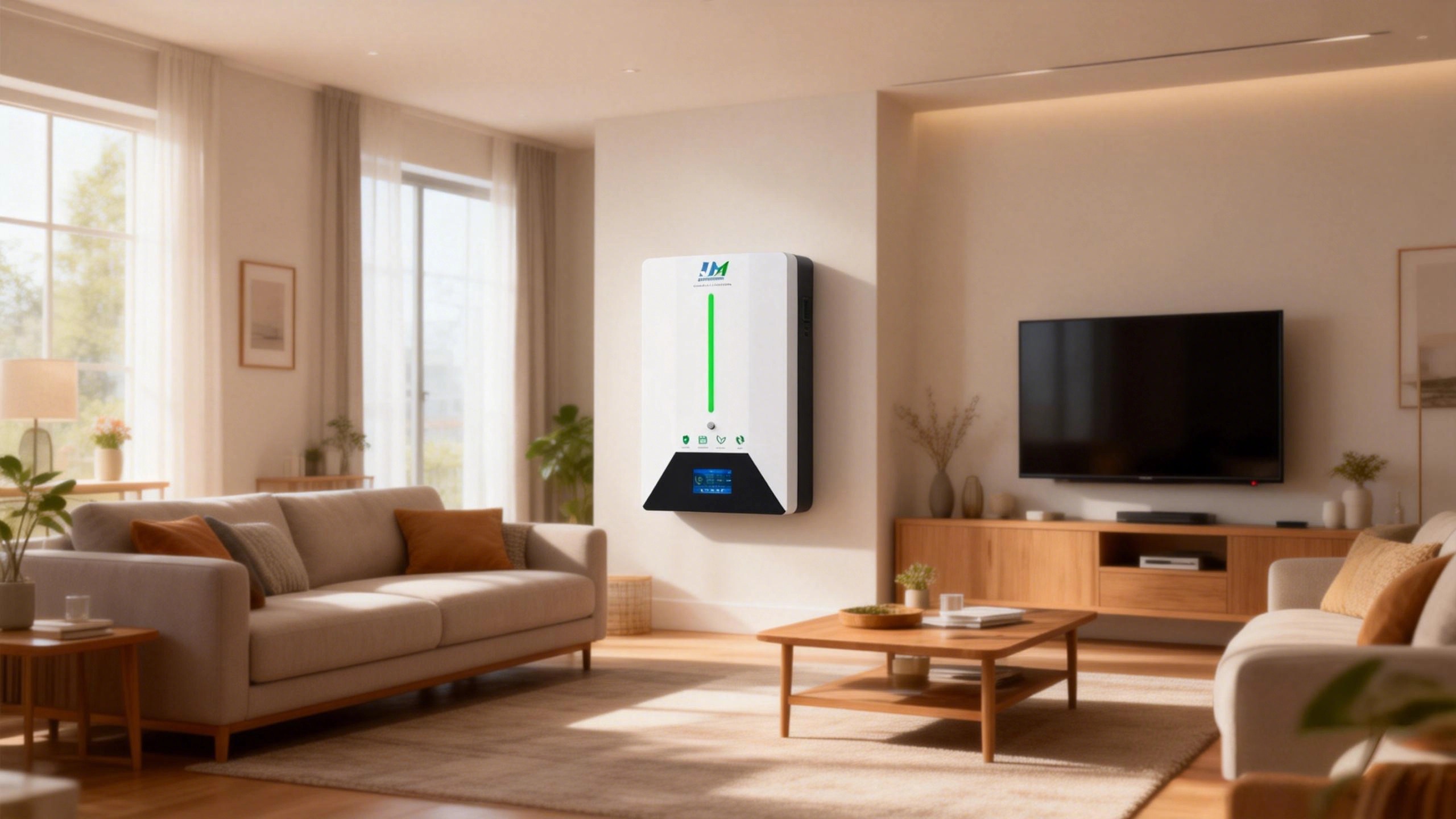
Based in Dongguan, China, we are a lithium and sodium ion battery factory with 10 years of experience. Our 51.2V100Ah 5kWh lithium iron phosphate battery features A-grade cells, smart BMS, inverter compatibility, wall-mounted design, LCD display, WiFi monitoring, and OEM/ODM customization.
Conclusion
Cleaning battery terminals is one of the simplest and cheapest ways to extend the life of lithium ion batteries. Follow the steps, keep a schedule, and your lithium iron phosphate battery will deliver safe, reliable power for years.

Do LiFePO4 batteries need BMS
How Can You Charge A Battery Without A Charger
Related Article