


Why Is My Inverter Not Charging the Battery
Why Is My Inverter Not Charging the Battery? Causes & Fixes
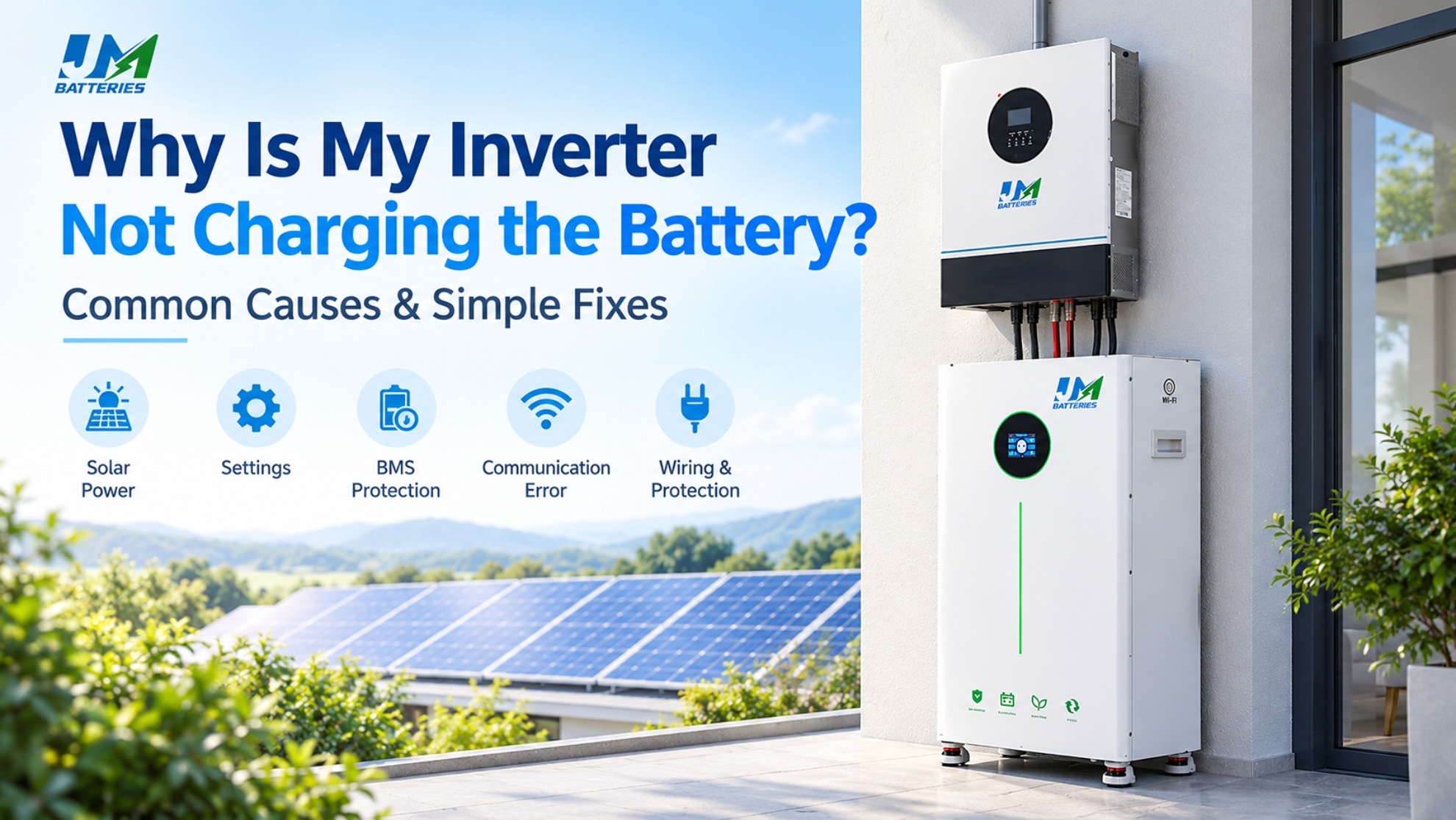
If your inverter is not charging the battery, common causes include low solar production, incorrect charging settings, BMS protection, communication errors, or electrical faults. Check the inverter status, battery alarms, and available power before replacing any equipment.
Common Causes of an Inverter Not Charging the Battery
1. Insufficient Solar Power
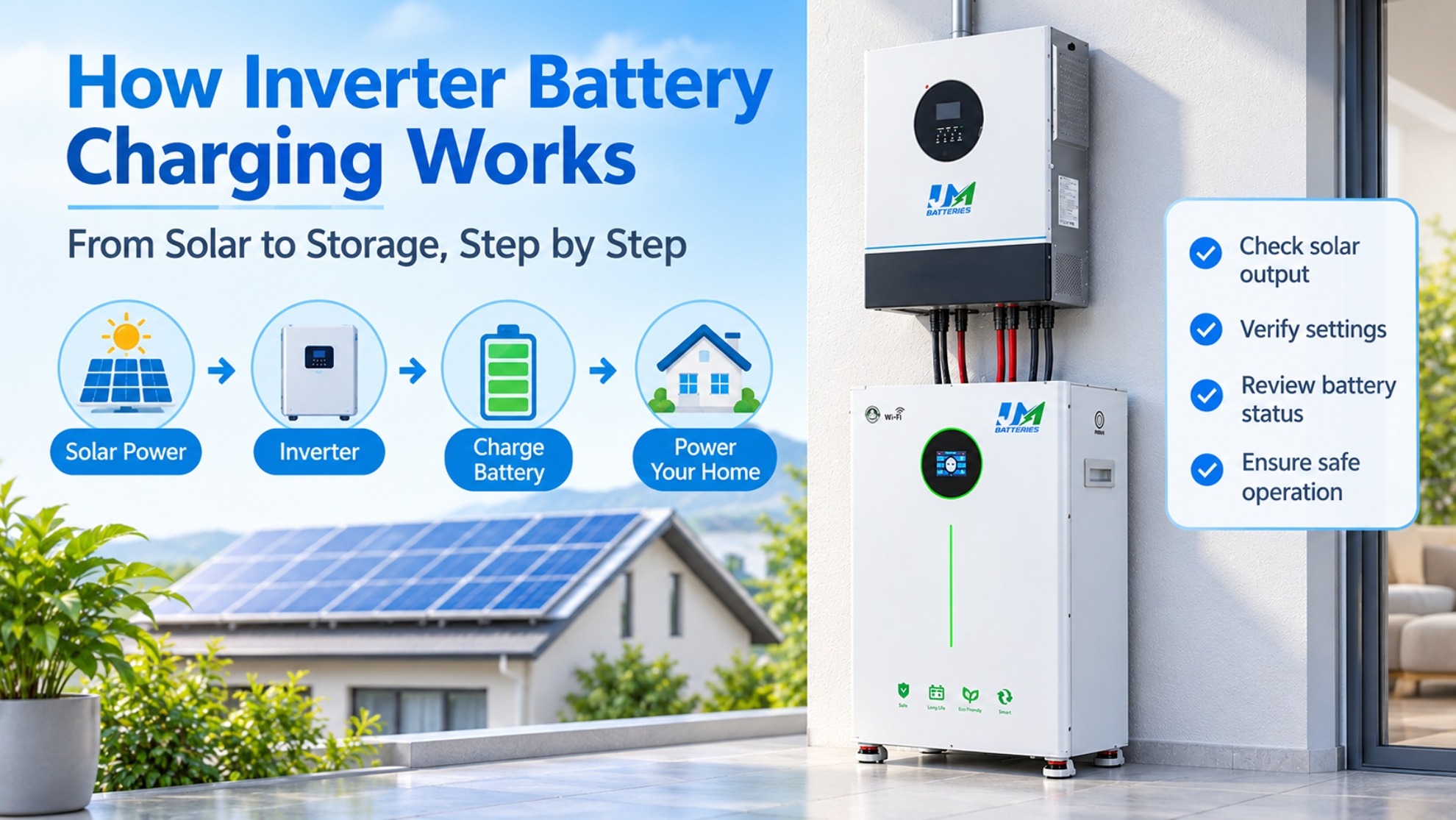
Cloud cover, shading, or high household consumption can leave too little surplus solar energy for battery charging. Some systems supply household loads before charging the battery.
Check: Compare PV production, household consumption, and battery power on the inverter display. If solar output is low, the battery may be operating normally.
2. Incorrect Inverter Charging Settings
The inverter may have charging disabled, an unsuitable battery profile, a restricted charging schedule, or a low current limit. Grid charging may also be disabled even when grid power is available.
Check: Review the battery type, charging source, schedule, SOC target, and charge-current settings. Use the battery and inverter manuals to confirm the correct parameters.
3. Battery Full or Charging Limited
A battery near its upper charge limit may accept less current. The inverter may also stop charging when its configured SOC target is reached. This is not necessarily a fault.
Check: Review battery SOC, voltage, charge target, and any current-limit messages before changing settings.
4. BMS Protection
The battery management system (BMS) may reduce or stop charging when it detects abnormal cell voltage, temperature, current, or another protection condition.
Check: Read the battery's own alarms and follow the manufacturer's recovery procedure. Do not repeatedly reset the battery or bypass BMS protection without identifying the cause.
5. Battery-Inverter Communication Error
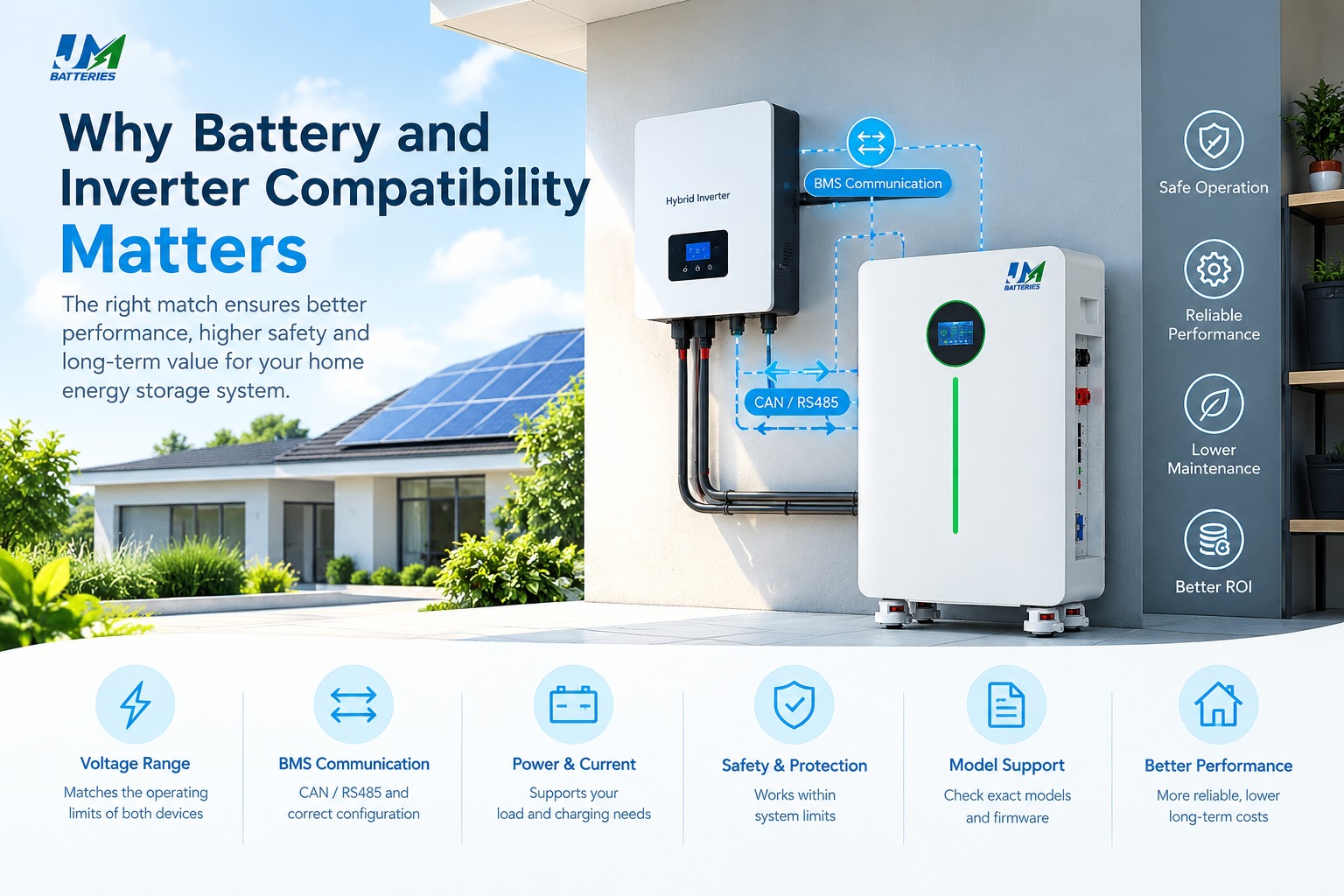
Some lithium batteries communicate with the inverter through CAN or RS485. Incorrect protocols, cable connections, ports, or battery profiles can prevent valid data exchange and restrict charging.
Check: Confirm the required cable, port, protocol, and supported configuration in the manuals for both devices. A connector fitting does not guarantee communication compatibility.
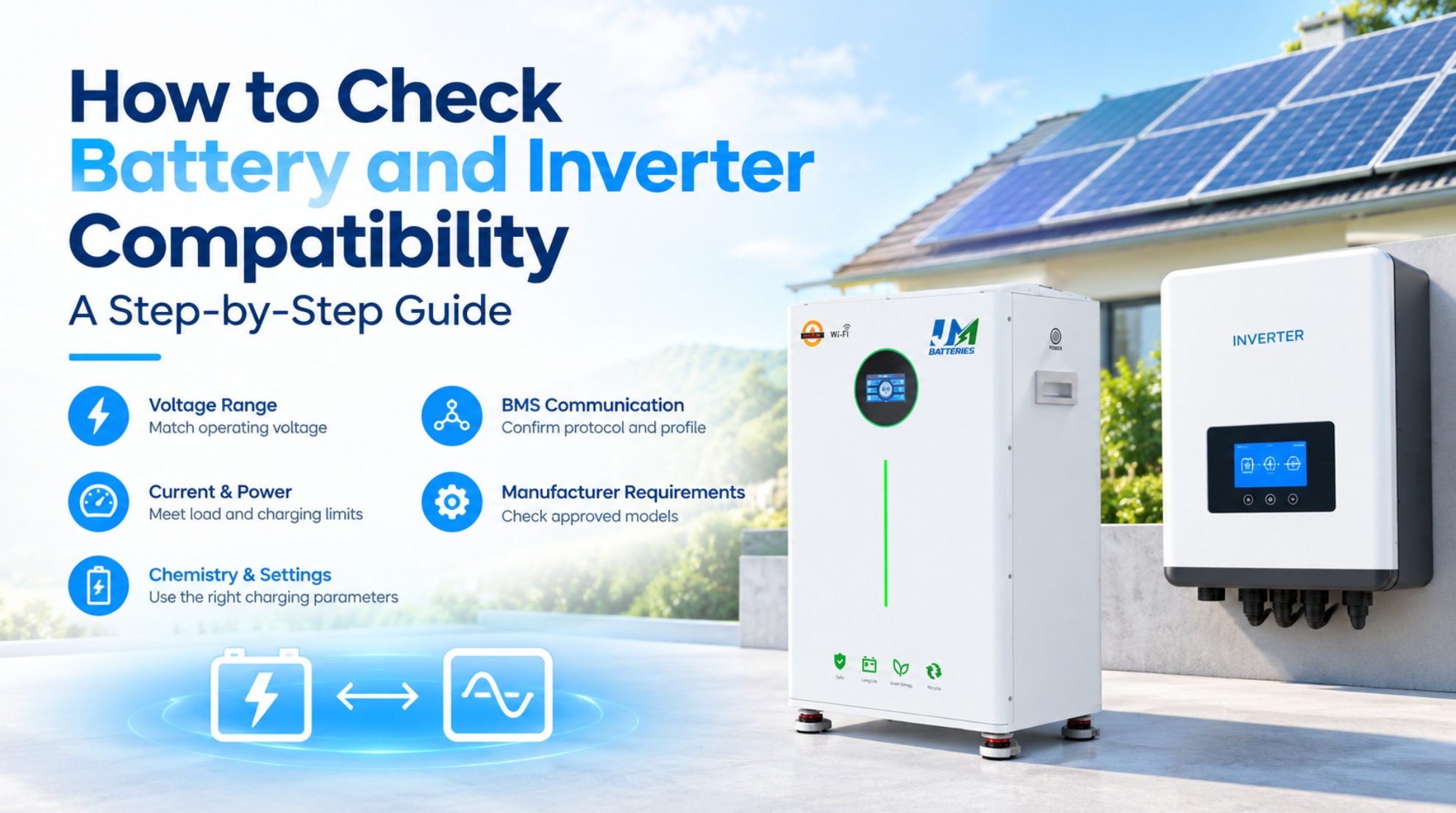
For more guidance, read why battery and inverter compatibility matters and how to match a battery and inverter.
6. Wiring or Protective Device Problems
A damaged cable, loose connection, open disconnect, or tripped protective device may interrupt charging. Electrical faults require proper inspection.
Check: Review visible system alarms and arrange a qualified inspection if a wiring fault is suspected. Do not open energized equipment.
How to Troubleshoot the Problem Step by Step
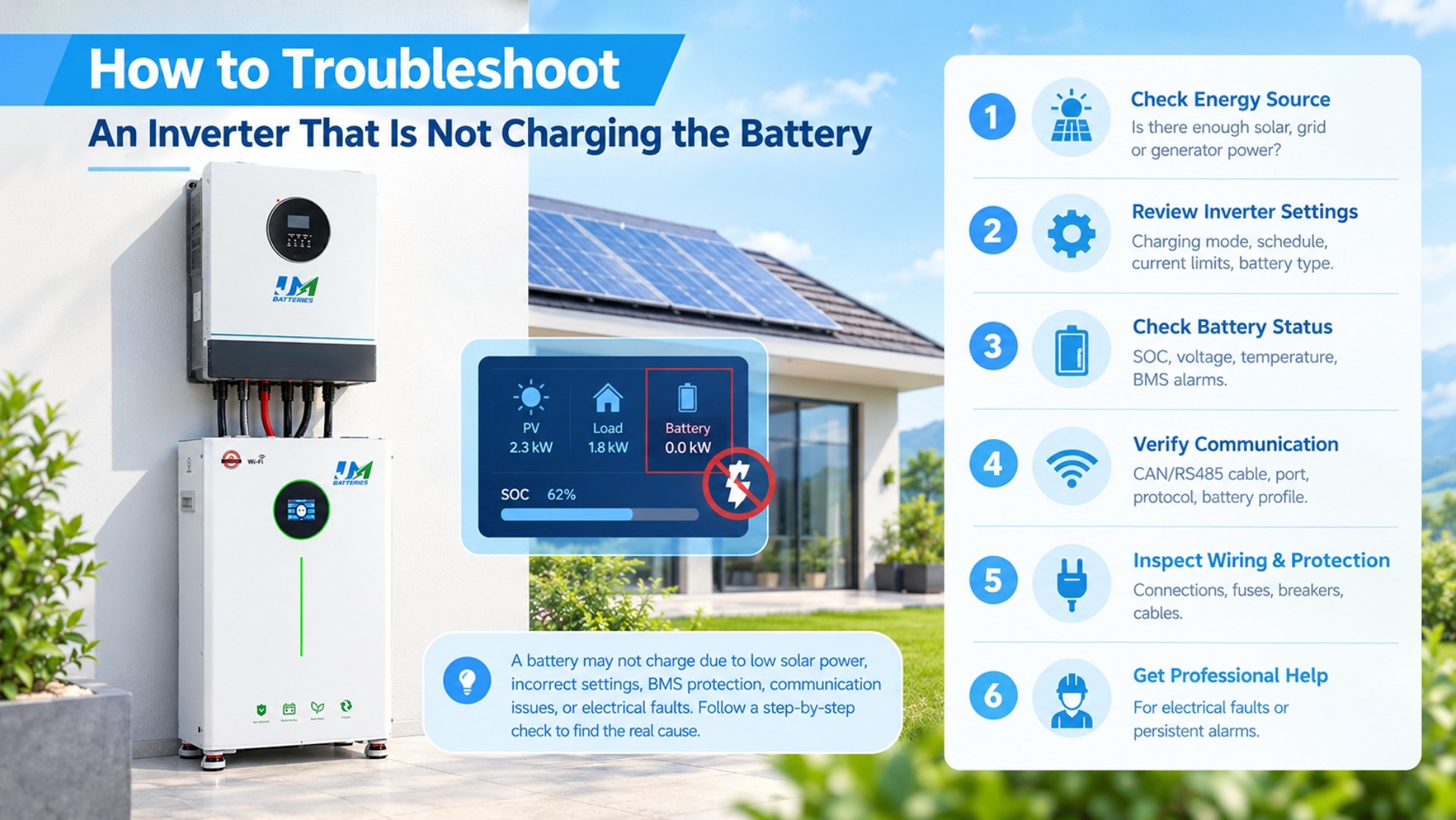
- Record system status. Note battery SOC, voltage, charging current, PV output, and any fault codes.
- Check the energy source. Confirm that solar, grid, or generator power is available and recognized by the inverter.
- Review charging settings. Check battery type, charging schedules, source priority, SOC target, and current limits.
- Inspect battery alarms. Look for BMS, temperature, voltage, or overcurrent warnings.
- Verify communication. If CAN or RS485 is used, confirm the specified cable, port, protocol, and battery profile.
- Seek professional inspection. If the cause remains unclear, have a qualified technician check the electrical circuit and equipment.
Symptoms and Possible Causes
| Symptom | Possible cause | First check |
|---|---|---|
| Solar power is available, but charging current is zero | High household load, charging disabled, SOC target, or BMS restriction | Compare PV output and load; check alarms |
| Battery charges only at certain times | Charging schedule or time-of-use settings | Review schedule and source priority |
| Lithium communication error | Incorrect profile, cable, port, or protocol | Check both manufacturers' instructions |
| Charging stops before 100% | SOC target, BMS limit, or voltage limit | Check SOC settings, voltage, and alarms |
| Charging is unusually slow | Low solar output, current limit, load, or temperature | Compare available power and charging limits |
| Grid charging does not start | AC charging disabled or input fault | Check AC input status and charging settings |
LiFePO4 Battery Charging Issues
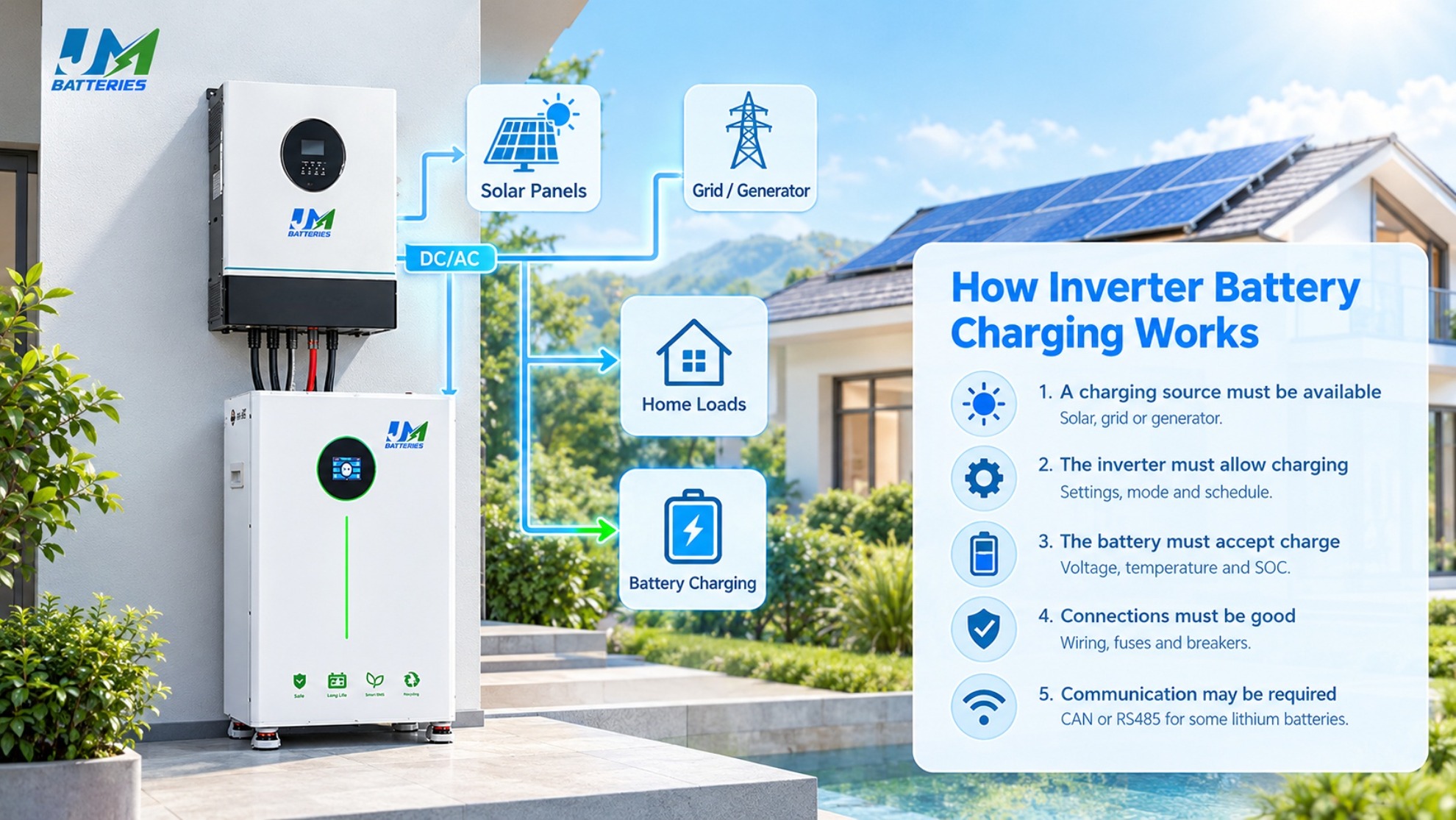
BMS Protection
A LiFePO4 battery may stop charging when its BMS detects a condition outside the permitted limits. Check the battery's alarms rather than relying only on the inverter display.
Charging Temperature
Charging-temperature limits vary by battery model. Some batteries restrict charging at low temperatures. Check the manufacturer's specifications and never bypass temperature protection.
Battery SOC Accuracy
SOC is an estimate of remaining charge. Communication issues, monitoring accuracy, and calibration can cause the inverter and battery to display different values. Learn more about battery state of charge (SOC).
Safety and Prevention
To reduce charging problems:
- Confirm battery-inverter compatibility before installation.
- Use manufacturer-approved battery profiles and charging limits.
- Check recurring alarms instead of repeatedly clearing them.
- Keep records of fault codes and configuration changes.
- Follow the manufacturer's maintenance and shutdown procedures.
Stop troubleshooting if you notice smoke, a burning smell, unusual heat, damaged wiring, or repeated protective-device trips. Do not bypass fuses, breakers, disconnects, or BMS protection. Contact a qualified technician.
FAQ
1. Why is my inverter not charging the battery when the sun is shining?
Solar production may be too low to cover household loads and charge the battery. Incorrect settings, an SOC target, or BMS protection can also prevent charging. Check PV output, load, and battery alarms.
2. Why does my inverter show zero battery charging current?
The charging source may be unavailable, charging may be disabled, the battery may have reached its target, or the BMS may be restricting current. Check system status and alarms.
3. Can a BMS stop a LiFePO4 battery from charging?
Yes. The BMS may restrict charging because of voltage, temperature, current, or internal fault conditions. Identify the alarm and follow the manufacturer's instructions.
4. Can communication problems prevent battery charging?
Yes. An incorrect CAN or RS485 protocol, cable, port, or battery profile can affect charging on systems that require communication. Check the documentation for both devices.
5. Why does the battery stop charging before 100%?
The inverter may have reached its SOC target, or the BMS may be limiting charging. Check the target, voltage, and alarms before changing settings.
6. Can cold weather stop a LiFePO4 battery from charging?
Yes, depending on the battery's permitted temperature range. Check the battery temperature and manufacturer's specifications. Never bypass temperature protection.
Conclusion
If your inverter is not charging the battery, check the available power source, charging settings, battery SOC, BMS alarms, and communication status. These checks can help identify whether the issue is normal operation, incorrect configuration, or an equipment fault.
Always follow the battery and inverter manufacturers' instructions, and use a qualified technician for hazardous electrical testing.
Why Is My LiFePO4 Battery Not Charging
How to Check Battery and Inverter Compatibility: A Step-by-Step Guide