


How to Check Battery and Inverter Compatibility: A Step-by-Step Guide
How to Check Battery and Inverter Compatibility: A Step-by-Step Guide
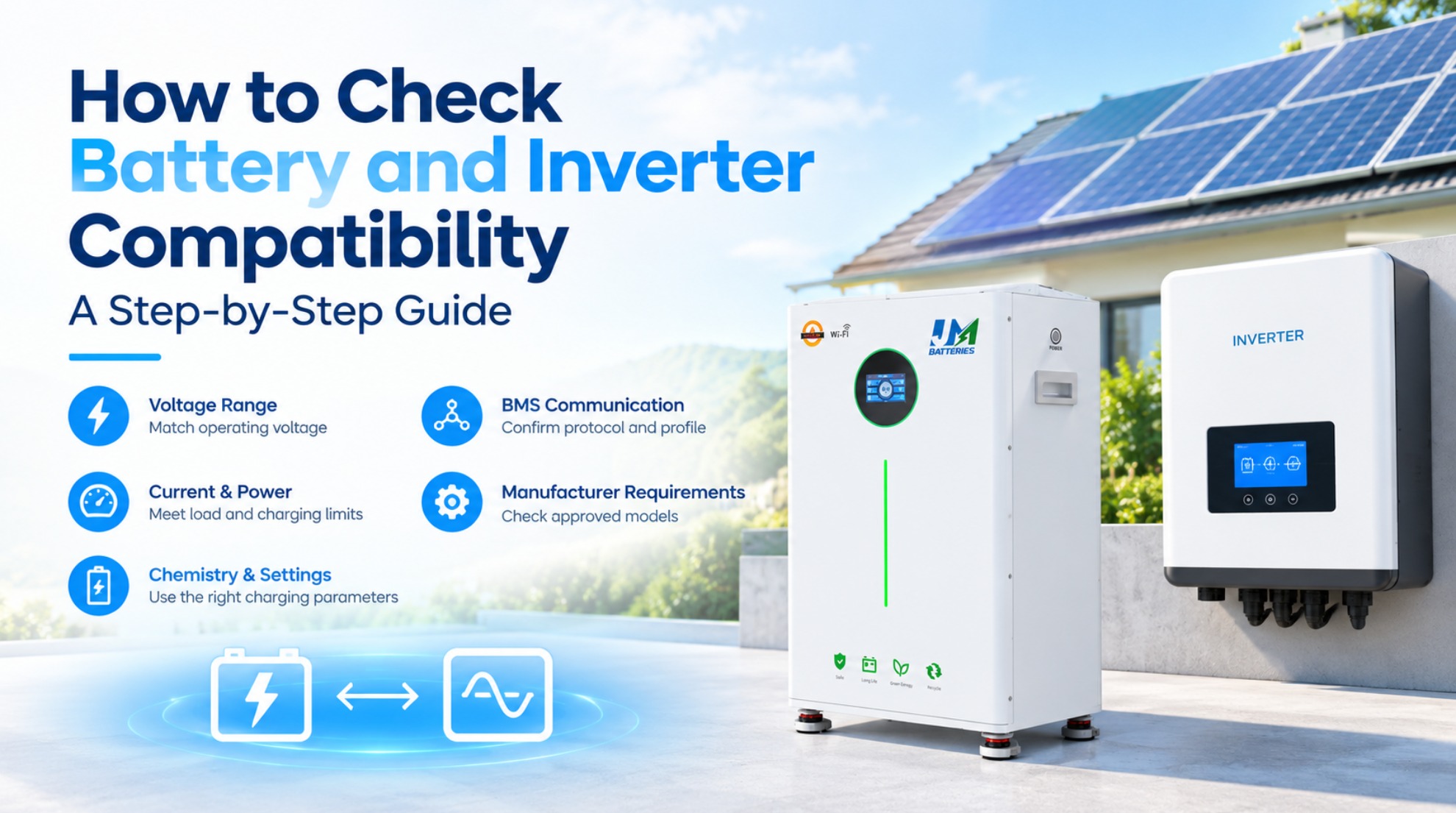
Choosing a battery and inverter with matching voltage labels is not enough to guarantee a safe, reliable solar energy storage system. Compatibility also depends on operating voltage, charge and discharge current, battery chemistry, charging settings, BMS communication, and manufacturer requirements.
This guide explains how to check battery and inverter compatibility before installation.
1. Check Voltage Compatibility
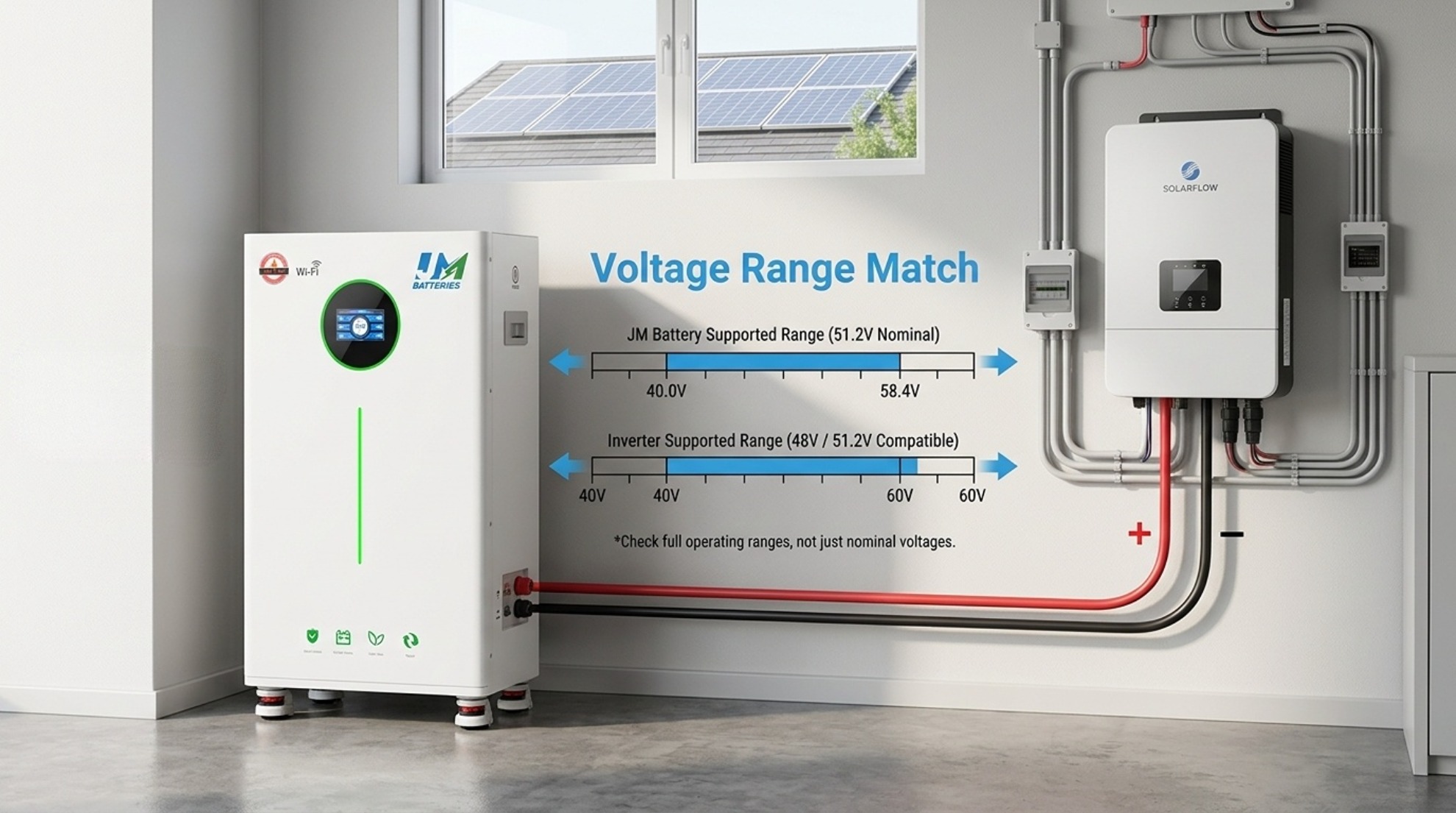
First, compare the battery's operating voltage range with the inverter's permitted battery input range. Nominal voltage alone does not establish compatibility.
- Battery: Check nominal voltage, maximum charging voltage, and minimum discharge voltage.
- Inverter: Check its supported battery voltage range and any restrictions stated in the manual.
- System design: Confirm that normal charging and discharging remain within both devices' permitted limits.
For example, a hypothetical 51.2V LiFePO4 battery might specify a 44–58.4V operating range. An inverter must support the battery's actual voltage range, not merely be marketed as a “48V inverter.” These values are illustrative; always use the actual product datasheets.
2. Compare Current and Power
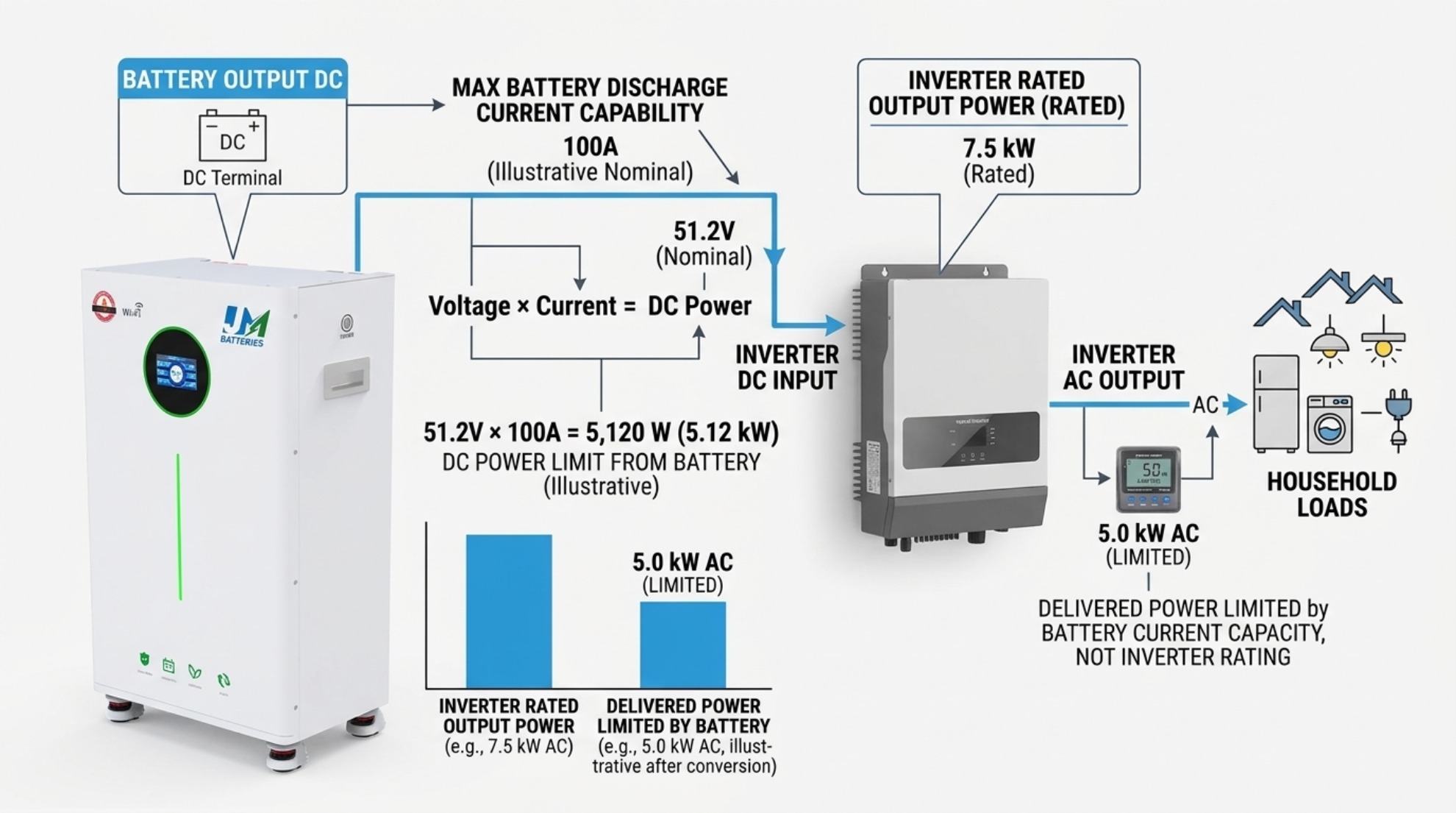
The battery's continuous discharge-current limit determines how much DC power it can supply. The inverter must not demand more current than the battery and its BMS can safely deliver.
A simplified estimate is:
DC power (W) = battery voltage (V) × current (A)
For a hypothetical 51.2V battery rated for 100A continuous discharge:
51.2V × 100A = 5,120W, or 5.12kW DC.
At an assumed 95% inverter efficiency, the corresponding AC output would be approximately 4.86kW under those conditions. Actual output varies with voltage, temperature, inverter efficiency, and operating limits.
Also check the inverter's maximum battery charging current. Its configured charging current must stay within the battery manufacturer's limit. Consider surge loads, low battery voltage, temperature derating, and any limits imposed by the BMS.
3. Verify Battery Chemistry and Charging Settings
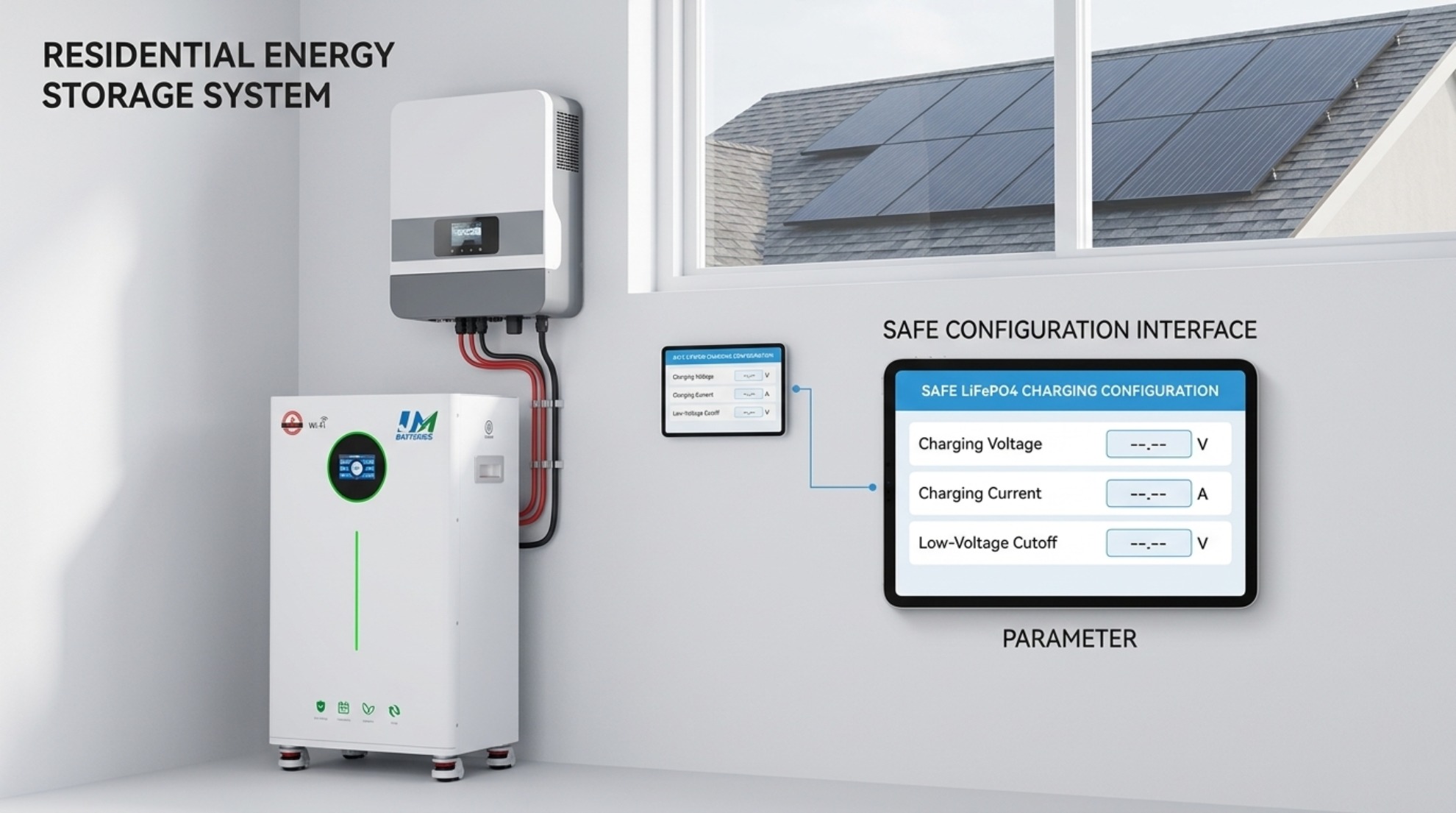
Confirm that the inverter supports the battery chemistry, such as LiFePO4, and allows suitable charging parameters. Incorrect settings can cause premature cutoffs, incomplete charging, or battery protection events.
- Absorption or bulk charging voltage
- Float voltage, if required by the battery manufacturer
- Maximum charging current
- Low-voltage cutoff and restart settings
- Temperature-related charging restrictions
Do not copy settings from another battery simply because both products are described as 48V. Use the battery manufacturer's recommended settings and the inverter's supported configuration options.
4. Check BMS Communication
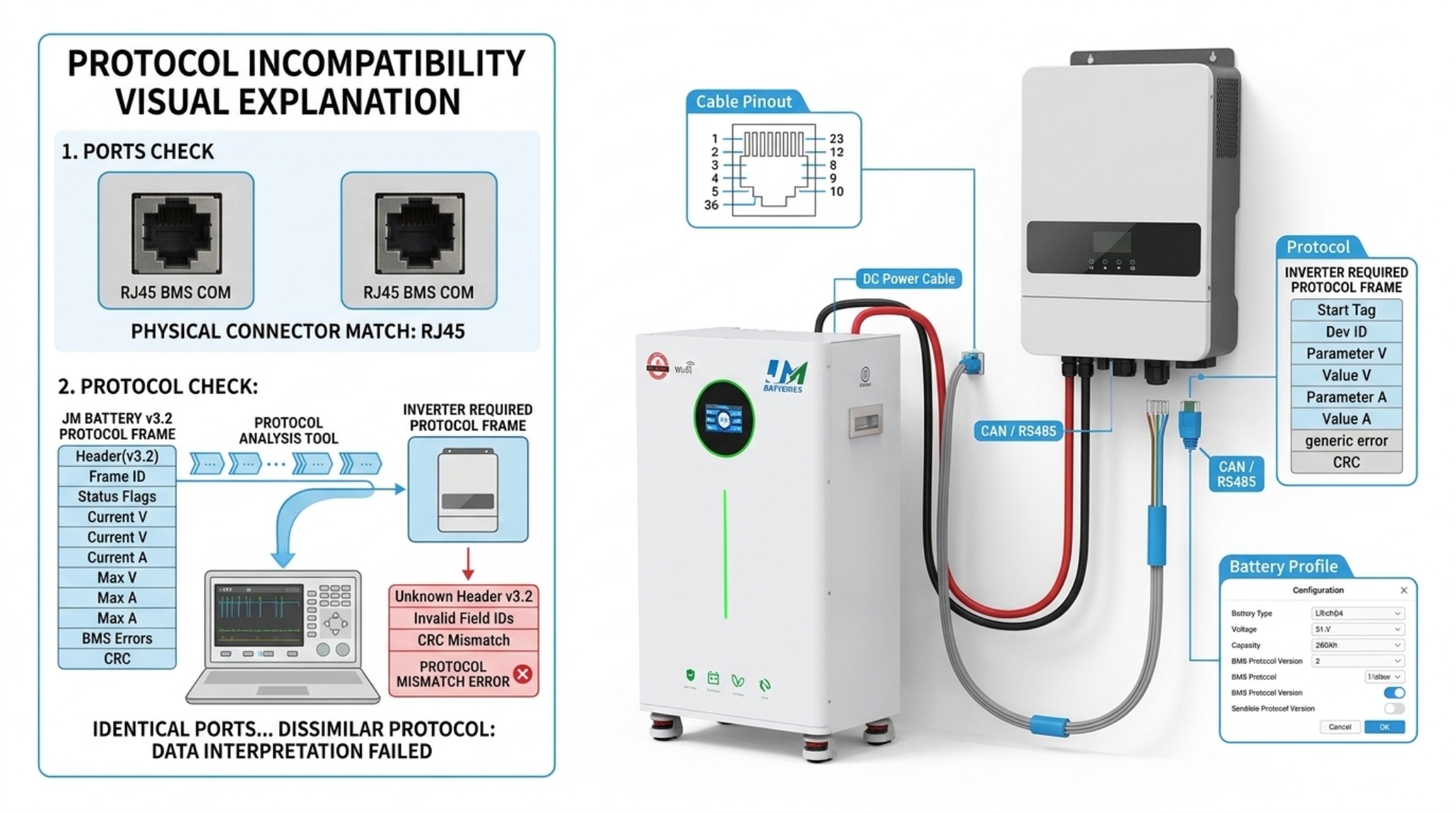
Some lithium batteries communicate with compatible inverters through CAN or RS485. Communication can allow the battery management system (BMS) to report state of charge, temperature, voltage, and charge or discharge limits.
However, having the same communication port does not prove compatibility. Protocols, pin assignments, firmware, and supported device profiles may differ.
- Check the inverter manufacturer's supported battery list.
- Confirm the exact battery model and communication protocol.
- Verify the required cable, pinout, and inverter battery profile.
- Follow the manuals to configure communication and confirm that the inverter detects valid battery data.
If communication is unsupported, a system may offer a manual voltage-based mode, but only use it when both manufacturers permit it and all protection limits can be maintained. Do not assume that a generic lithium setting is equivalent to BMS communication.
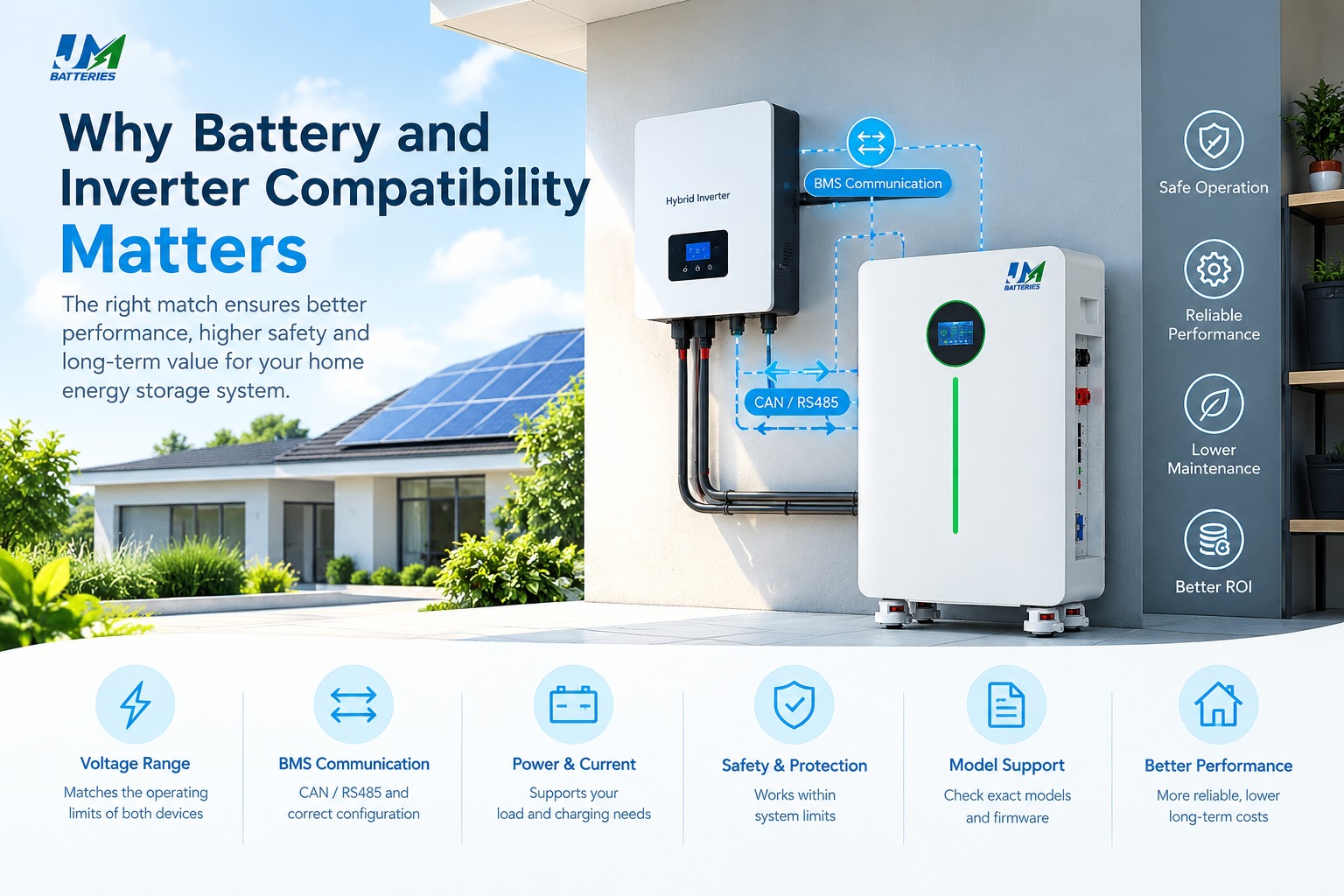
For more background, read Why Battery and Inverter Compatibility Matters.
5. A Practical Compatibility Example
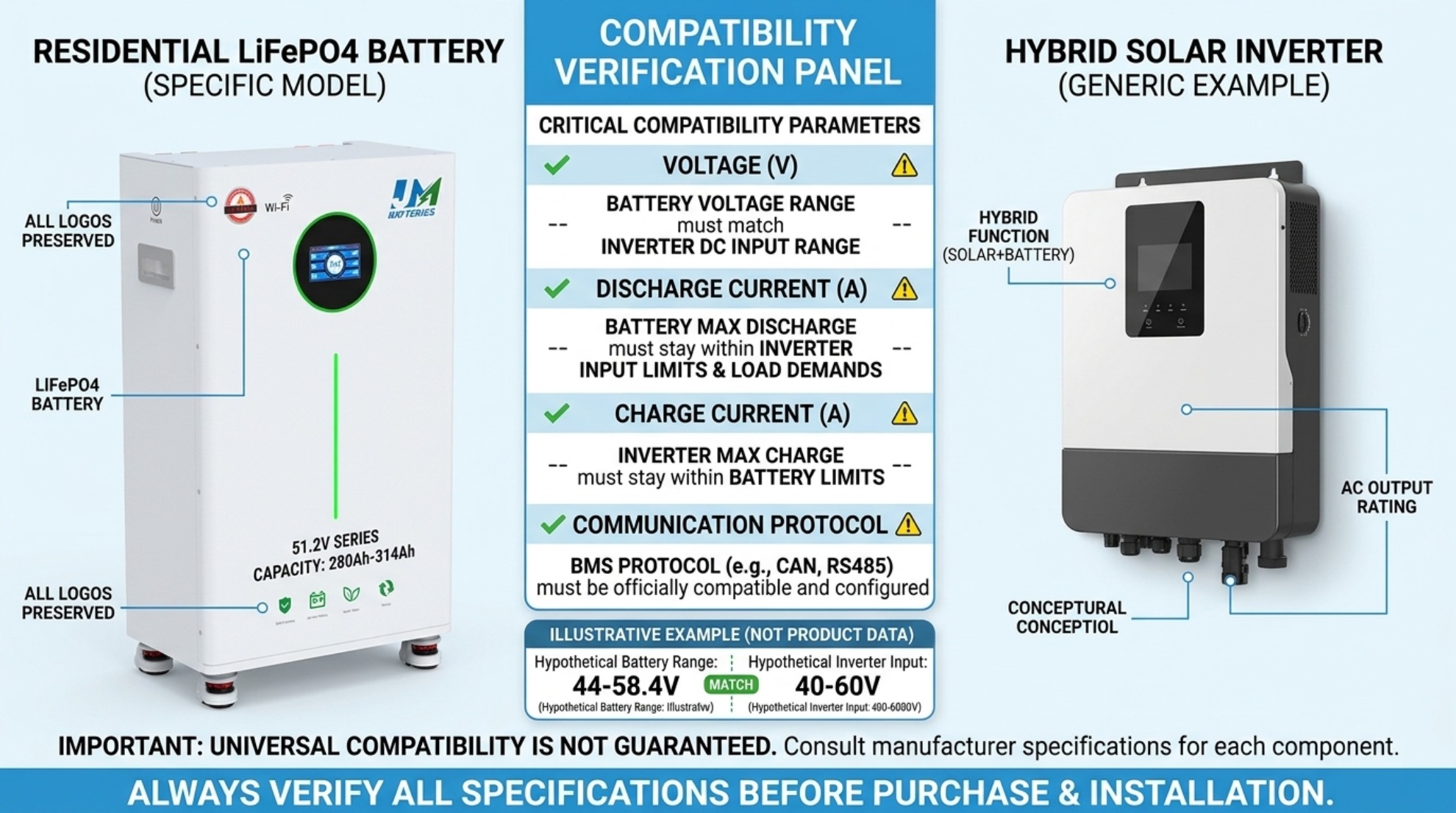
Consider this hypothetical pairing. The figures below are for explaining the checking process only, not product specifications or a recommendation for a particular model.
| Parameter | Example battery | Example inverter |
|---|---|---|
| Voltage | 51.2V nominal; 44–58.4V range | 40–60V DC input |
| Discharge current | 100A continuous | 120A maximum DC input |
| Charging current | 50A maximum | 60A maximum |
| Output | Not applicable | 5kW AC rated output |
The voltage ranges overlap, but more checks are needed. The inverter's 120A input ceiling does not mean the battery can supply 120A. The battery's 100A continuous limit remains important, and charging current must be configured no higher than the battery's 50A limit.
The final check must also confirm supported chemistry, surge requirements, BMS communication, protection settings, and manufacturer approval. Passing one specification check does not establish full compatibility.
6. Installation and Commissioning Checklist
- Confirm battery and inverter voltage ranges overlap.
- Verify continuous and peak current requirements against the battery limits.
- Set charging voltage and current according to the battery manual.
- Confirm the exact BMS protocol, cable, and supported battery profile where applicable.
- Use correctly rated cables, overcurrent protection, disconnects, and grounding as required by local electrical codes.
- Check polarity and wiring before energizing the system.
- After startup, verify battery detection, voltage readings, alarms, and charge/discharge operation.
Installation and commissioning should be performed by a qualified professional following the product manuals and applicable local electrical regulations.
7. Common Problems and Checks
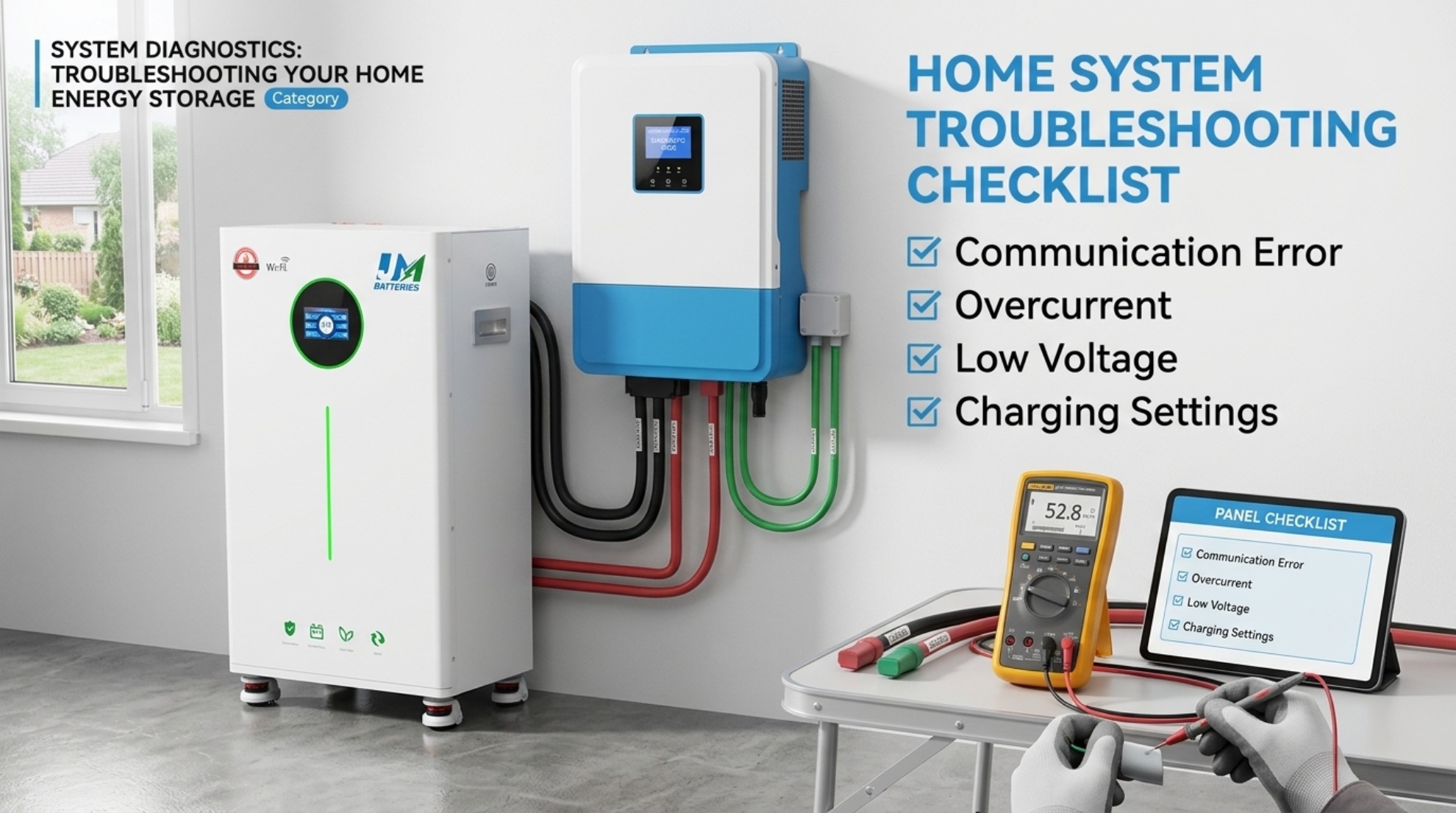
Inverter does not detect the battery
Check the supported battery profile, communication protocol, cable pinout, port selection, and configuration. Confirm compatibility with the manufacturers rather than changing wiring at random.
Battery shuts down under load
Possible causes include excessive current, high startup surge, low voltage under load, temperature limits, or BMS protection. Compare actual operating conditions with the battery's specifications.
Battery does not fully charge
Check the charging voltage and current settings, BMS charge limits, inverter configuration, and any temperature restrictions. Do not raise charging voltage beyond the manufacturer's limits to force a full charge.
State of charge readings are inaccurate
Check whether the inverter is receiving valid BMS data or estimating state of charge from voltage. Voltage-based estimates can be less precise for LiFePO4 batteries, particularly across much of their normal operating range. See What Is Battery State of Charge (SOC)?.
8. FAQs
Can any 48V inverter work with a 51.2V LiFePO4 battery?
No. Confirm the inverter's actual DC input range, charging settings, current limits, supported chemistry, and any BMS communication requirements.
Is matching nominal voltage enough?
No. Operating voltage range, charge and discharge current, battery chemistry, communication, and protection settings also matter.
Does CAN or RS485 guarantee compatibility?
No. The protocol, pinout, firmware, and supported battery profile must match. The presence of the same port is not proof.
Can I use an inverter with a higher power rating than my battery?
Sometimes, but the system must limit battery current and power to the battery's permitted values. The inverter's full rated output may not be available from that battery.
What should I do if my battery is not listed by the inverter manufacturer?
Ask both manufacturers to confirm compatibility and the approved configuration. Do not assume a pairing is supported based on voltage alone.
Where can I find a suitable home battery?
Start with your required usable capacity, continuous and surge loads, inverter voltage range, and backup goals. Explore home energy storage battery options, then confirm model-specific compatibility before purchase.
Conclusion
To check battery and inverter compatibility, verify voltage range, charge and discharge current, chemistry, charging settings, BMS communication, and manufacturer requirements. Review the manuals for the exact models and confirm the complete system configuration before installation. This process is more reliable than selecting equipment by nominal voltage alone.
Why Is My Inverter Not Charging the Battery
Why Battery and Inverter Compatibility Matters