


Why Does My LiFePO4 Battery Keep Disconnecting
Why Does My LiFePO4 Battery Keep Disconnecting? Causes and Solutions
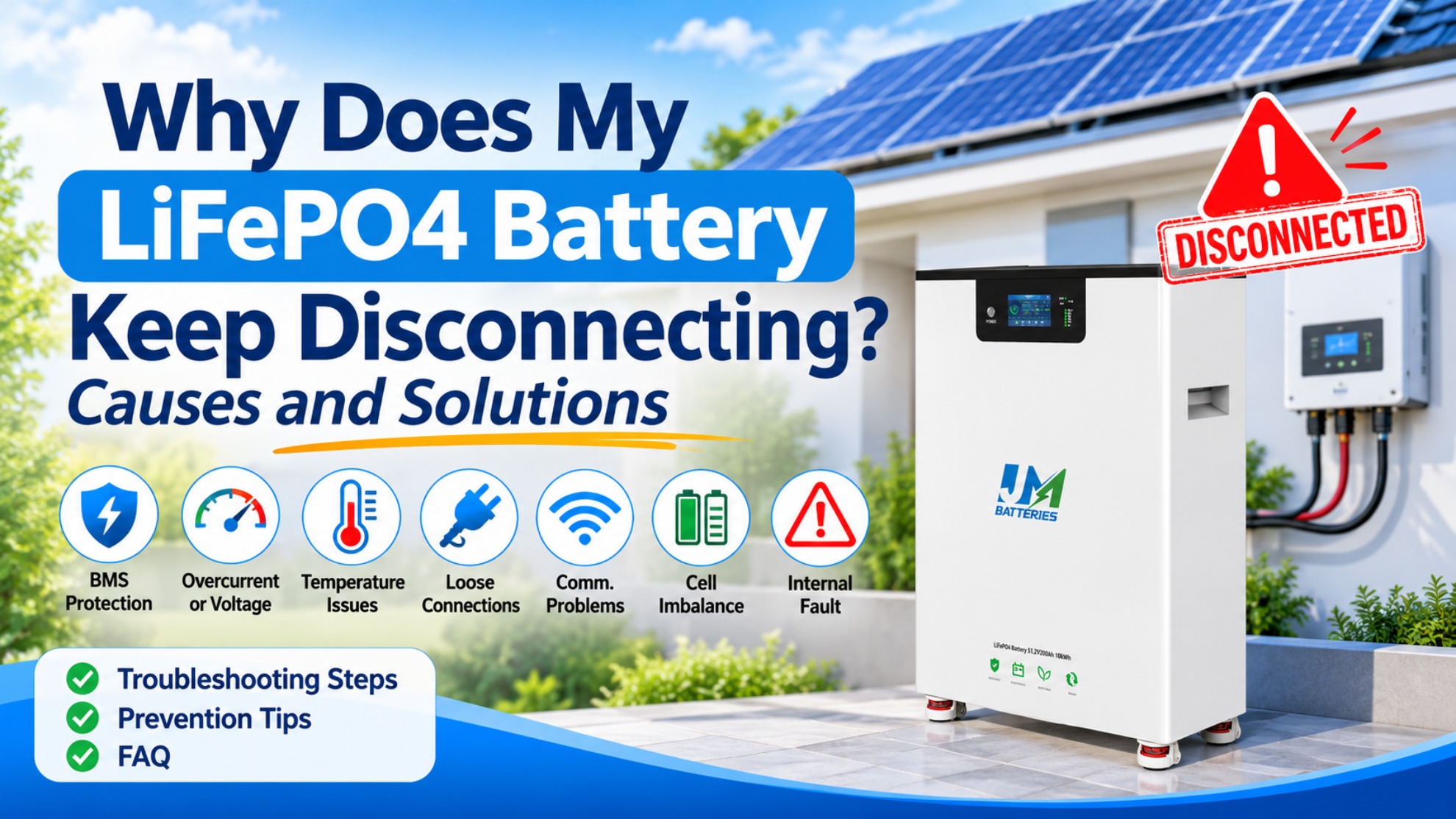
If your LiFePO4 battery keeps disconnecting, the cause may be BMS protection, excessive current, inverter communication problems, loose wiring, or abnormal operating temperatures. Although the problem may look like a battery failure, the interruption can also originate from the inverter or external connections.
This guide explains seven common causes, practical troubleshooting steps, and ways for solar distributors and installers to handle repeated battery disconnection complaints.
7 Common Reasons Your LiFePO4 Battery Keeps Disconnecting
1. BMS Overcurrent Protection

The Battery Management System (BMS) may interrupt discharge when the current exceeds the battery's permitted limit. This often happens when several high-power appliances operate simultaneously or when a motor creates a sudden surge.
What to check: Review BMS alarms, actual load demand, and the battery's continuous and peak discharge ratings. Make sure the battery bank can support the inverter and connected appliances.
2. Low-Voltage or Overvoltage Protection
A battery may disconnect when its voltage falls below or rises above the permitted operating range. High loads, incorrect charging settings, or an individual cell reaching its voltage limit can trigger protection.
What to check: Review pack voltage, individual cell readings, and inverter charging settings. If the battery also stops charging, see our guide to LiFePO4 battery charging problems.
3. Battery-Inverter Communication Problems
Many systems use CAN or RS485 to exchange operating information between the battery and inverter. Incorrect protocol settings, damaged cables, incompatible firmware, or incorrect port connections may cause communication errors.
Depending on the system, the inverter may restrict charging or discharging when communication is lost.
Learn more about battery and inverter compatibility and the communication requirements that affect system operation.
4. Loose Connections and Voltage Drop
Loose terminals, damaged cables, or unsuitable cable sizes can increase resistance in the DC circuit. Under heavy loads, this may cause voltage drops, overheating, or inverter shutdowns.
What to check: Look for visible cable damage, discoloration, or overheating. Have a qualified technician inspect connections and measure voltage drop where necessary. Never work on live DC connections.
5. High or Low Operating Temperature
LiFePO4 batteries have specified temperature limits. Excessive heat may trigger thermal protection, while charging at temperatures below the permitted range can damage cells.
What to check: Review BMS temperature readings, installation conditions, and the manufacturer's charging and discharging temperature limits.
6. LiFePO4 Cell Voltage Imbalance
If one cell reaches its upper or lower voltage limit before the others, the BMS may interrupt operation even when the total pack voltage appears normal.
What to check: Compare the highest and lowest cell voltage readings. If the same cell repeatedly reaches a protection limit, provide the BMS records to the battery manufacturer.
7. Internal Battery or BMS Fault
If external wiring, inverter settings, temperature, and load conditions are normal, an internal battery or BMS fault may be responsible.
Repeated internal alarms, abnormal sensor readings, or disconnections under light loads require further investigation. Do not open the battery enclosure or bypass its protection system. Contact the manufacturer or a qualified technician.
How to Troubleshoot a LiFePO4 Battery That Keeps Disconnecting
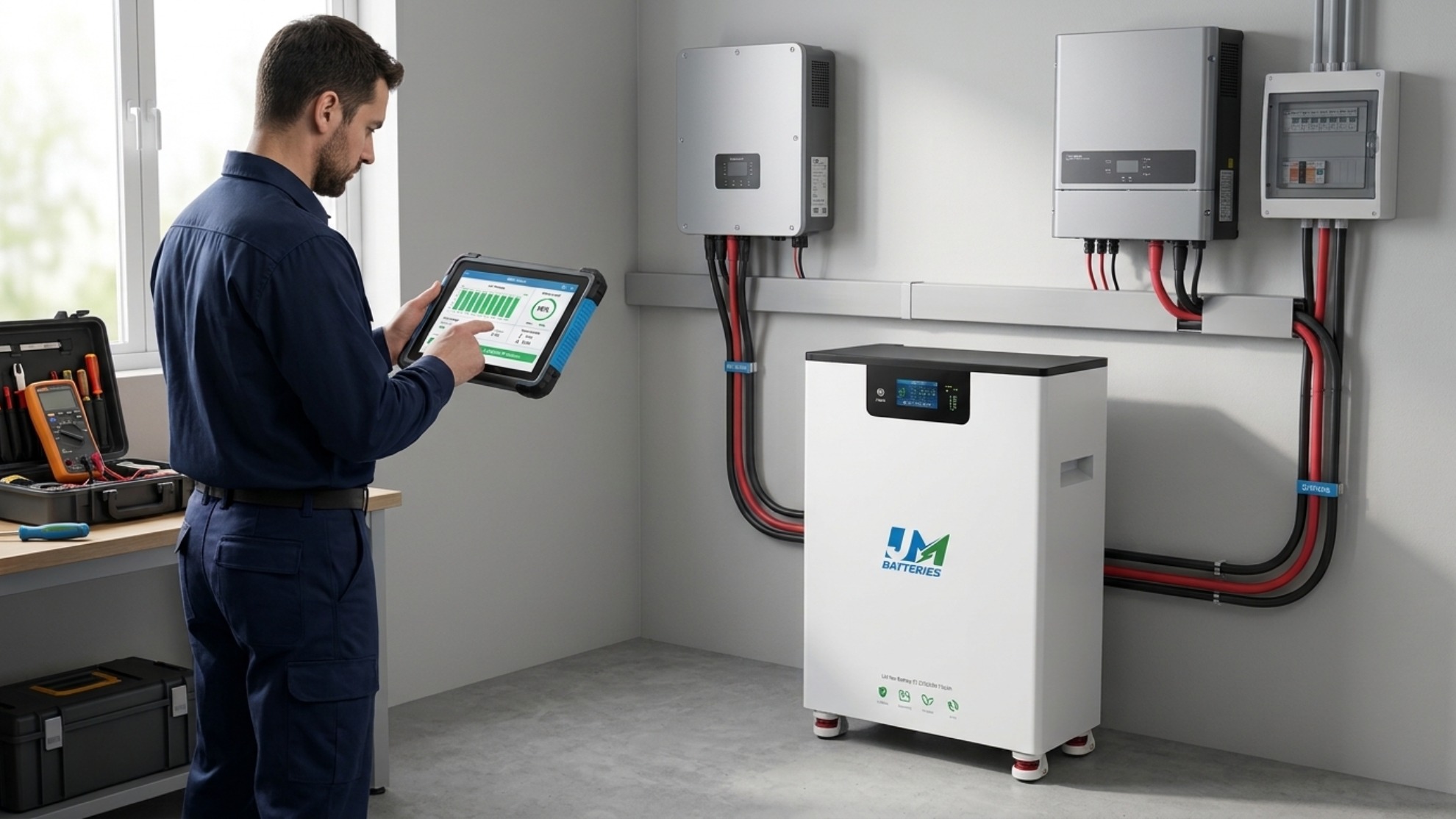
A systematic check can help identify whether the problem comes from the battery, inverter, or external wiring.
- Identify when it happens. Record whether disconnection occurs during charging, heavy discharge, low state of charge, or standby.
- Check alarm records. Review BMS warnings and inverter fault codes. Record the exact messages and event times.
- Review voltage and temperature. Check pack voltage, individual cell readings, and temperature data when available.
- Inspect connections. Look for damaged cables, loose connectors, corrosion, and signs of overheating. Electrical work should be performed by qualified personnel.
- Verify system settings. Confirm battery voltage, charging parameters, current limits, and communication protocols against the manufacturers' manuals.
- Contact technical support. If the fault continues, provide battery details, inverter model, firmware information, and alarm records.
For additional guidance on system configuration, see our article about how to match a battery and inverter.
Practical Troubleshooting Examples
Example 1: Battery Disconnects Under Heavy Load
A hypothetical 51.2V battery with a 100A continuous discharge rating has a nominal DC power level of approximately 5.12kW. If connected appliances demand more current than the battery can provide, BMS overcurrent protection may interrupt discharge.
The installer should review the load, BMS alarms, inverter demand, and cable connections before considering equipment replacement.
Example 2: Battery Disconnects Despite Remaining Capacity
A hypothetical system disconnects when the display shows 30–40% state of charge. The displayed percentage does not guarantee that every cell remains within its permitted voltage range.
Checking individual cell voltages and BMS records can help identify whether cell imbalance or undervoltage protection is responsible.
What Distributors Should Check When Customers Report Battery Disconnections
Solar distributors and wholesalers can speed up troubleshooting by collecting consistent information before recommending a replacement.
- Battery details: Model, voltage, capacity, and number of connected units.
- Inverter details: Brand, model, firmware, and communication protocol.
- Operating conditions: Load demand, state of charge, temperature, and fault timing.
- Fault evidence: BMS alarms, inverter logs, cell voltage readings, and installation photos.
These records help distinguish installation problems, system incompatibility, operating conditions, and possible internal faults.
How to Prevent Repeated Battery Disconnections
- Choose compatible equipment: Confirm voltage, current, and communication requirements before installation.
- Size the system correctly: Match battery discharge capability with inverter demand and household loads.
- Use suitable cables: Follow the manufacturer's cable and connection specifications.
- Control operating conditions: Keep the battery within its approved temperature range.
- Monitor system alarms: Review BMS and inverter records when abnormal behavior occurs.
FAQ
1. Why does my LiFePO4 battery keep shutting off?
Common causes include BMS protection, excessive current, voltage abnormalities, temperature limits, cell imbalance, and inverter communication problems. Check the alarm records to identify the trigger.
2. Can a BMS cause a LiFePO4 battery to disconnect?
Yes. The BMS may interrupt charging or discharging when it detects overcurrent, cell overvoltage, undervoltage, or temperature conditions outside its permitted limits.
3. Why does my battery disconnect when using high-power appliances?
The load may exceed the battery's discharge rating. Loose connections and cable voltage drop can also contribute to interruptions under heavy loads.
4. Can inverter communication problems cause battery disconnection?
Yes. Incorrect CAN or RS485 settings, wiring problems, or unsupported protocols may cause the inverter to restrict or stop battery operation.
5. How can I prevent my LiFePO4 battery from disconnecting repeatedly?
Use compatible equipment, follow current and voltage limits, maintain proper connections, control operating temperature, and monitor BMS alarms. Persistent faults should be investigated by the manufacturer or a qualified technician.
Conclusion
A LiFePO4 battery that keeps disconnecting may be responding to BMS protection, excessive current, voltage problems, communication errors, poor connections, temperature limits, or an internal fault.
Rather than repeatedly resetting the system, identify when the interruption occurs and review the BMS and inverter records. For distributors and installers, collecting accurate fault information is essential to resolving customer complaints and preventing recurring problems.
Technical and Safety Note
Protection thresholds and operating procedures vary by battery model and manufacturer. Always follow the relevant battery and inverter manuals. Never bypass BMS protection, change safety limits without authorization, or disconnect live DC wiring.

JM New Energy Technology



LiFePO4 Battery Charging Problems: Causes & Fixes